

Skip to content
All AI Kits
Design system Paid source17 components

StackBlitz-inspired Browser Forge

An unofficial, original StackBlitz-inspired Browser Forge system grounded in 17 retained, evidence-backed interface patterns.

Includes DESIGN.md, tokens.json, full CSS, Tailwind v4 token mapping and matching UI specimens. Preview for free; protected guidance and style downloads require Starter or Super. Framework installation and theme support are verified only where listed.

Theme support:
Unverified
Installation:
No verified installation path listed

Delivered component specimen

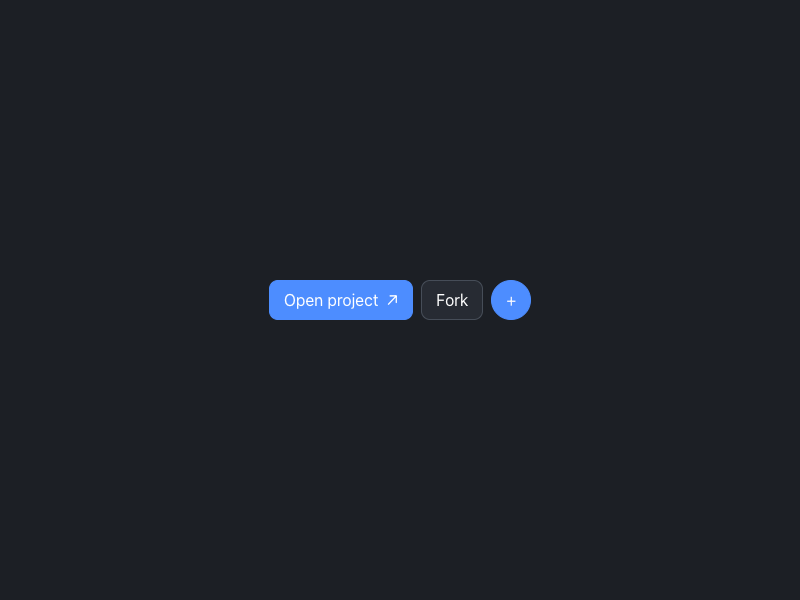
Open project ↗ Fork +
0
170

HTML/CSS · JavaScript

FFrontend Forever
Design foundations

Inspect the kit's typography, palette, icons, spacing and motion.

Style identity

StackBlitz-inspired Browser Forge

A browser-first development surface that explains why a working Node.js environment can boot, run, debug, and reset inside a tab.

Reference style: Dark browser-native runtime story with oversized Manrope display type, Inter UI
Visit website

Typography

Font families

Manrope

Observed oversized hero and section display type

Manrope, ui-sans-serif, system-ui, sans-serif
Weights
400,600,700,800
Sizes
40px,64px,94px
Line height
1.0–1.1
Tracking
-0.03em to -0.06em

Fallback: ui-sans-serif, system-ui, -apple-system, BlinkMacSystemFont, Segoe UI, sans-serif

Inter

Navigation, body, labels, and controls

Inter, ui-sans-serif, system-ui, sans-serif
Weights
400,500,600
Sizes
12px,14px,16px,20px
Line height
1.4–1.6
Tracking
normal

Fallback: ui-sans-serif, system-ui, -apple-system, BlinkMacSystemFont, Segoe UI, sans-serif

Palette

Core colors

canvas

#f4f7ff

Page canvas in light mode

surface

#ffffff

Raised content surface in light mode

surface-dark

#272b33

Raised content surface in dark mode

text

#171925

Primary readable text

muted

#687085

Supporting copy and metadata

border

#dbe4f7

Quiet dividers and control outlines

accent

#4d8dff

Primary action or active state

accent-secondary

#23c7a6

Secondary signal or gradient stop

dark-canvas

#1c1f25

Page canvas in dark mode

dark-text

#ffffff

Primary readable text in dark mode

Type scale

Responsive hierarchy

RoleSizeWeightLine heightTracking
display-xlclamp(44px, 7vw, 94px)7000.98–1.08-0.06em
display-lgclamp(32px, 5vw, 64px)7001.0–1.12-0.05em
heading24–32px6001.2–1.35-0.035em
body14–16px4001.45–1.6normal
label11–13px6001.3–1.450.01em
technical10–12px5001.45–1.7normal

Spacing & shape

Layout rhythm

Density
airy
Base unit
4px
Max width
1200px
Section gap
88–144px
Card padding
22–32px
Element gap
8–18px

Iconography

Small monochrome SVG masks with selected light/dark variants

Site-specific SVG geometry; keep a consistent 1.5–2px visual weight stroke · 16px / 20px / 24px

Use an inline or masked SVG with an accessible label for browser, code, debug, reset, and navigation actions; do not replace labels with arbitrary glyphs.

System metrics

Radius

control 8pxpanel 12pxbrowser 16pxpill 999px

Spacing

Unit 4pxValue 4pxPage 28pxValue 28pxSection 72px

Motion

micro 160ms ease-outstandard 240ms cubic-bezier(.2,.8,.2,1)reduced Disable browser boot shimmer and parallax

Elevation

browser

0 24px 70px rgba(0,0,0,.32)

Browser frame and proof

card

0 14px 36px rgba(0,0,0,.18)

Runtime detail cards

Surfaces & shape

light-canvas

#f4f7ff

Quiet page background

light-surface

#ffffff

Cards and form surfaces

dark-canvas

#1c1f25

Dark page background

dark-surface

#272b33

Dark cards and console surfaces

Guidelines

Do

  • Let the browser runtime concept lead: one large statement, one clear action, and one compact frame or status surface.
  • Use Manrope for display and Inter for interface copy with generous contrast against the dark canvas.
  • Treat boot, ready, debug, and reset as recoverable states with visible progress.
  • Keep comparison data readable on mobile through stacking or safe horizontal scrolling.

Don't

  • ×Do not copy StackBlitz, Bolt, or WebContainers marks, screenshots, customer quotes, or illustrations.
  • ×Do not make the browser frame a miniature full IDE; use it to explain one runtime state.
  • ×Do not use custom font files without a license; document the observed Google Fonts sources and fallback stacks.
  • ×Do not hide reset/debug commands behind hover-only affordances.

Imagery

Use original abstract geometry, code-like lines, gradients, and browser/runtime framing only when they clarify the workflow. Never copy reference screenshots, logos, customer imagery, template thumbnails, or proprietary illustrations.

Layout

Use a centered max-width shell, clear section rhythm, one dominant task per specimen, and a single-column fallback at 520–760px. Keep tables and runtime rows scroll-safe.

Assigned collection

StackBlitz-inspired Browser Forge Interface Elements

17 published components in collection order

Components

Built from the same system

These working component previews are supplied with the kit. Open a component to inspect its code; the reference screenshots show the original website.

Open collection
Open project ↗ Fork +
0
170

HTML/CSS · JavaScript

Frontend Forever's avatarFrontend Forever
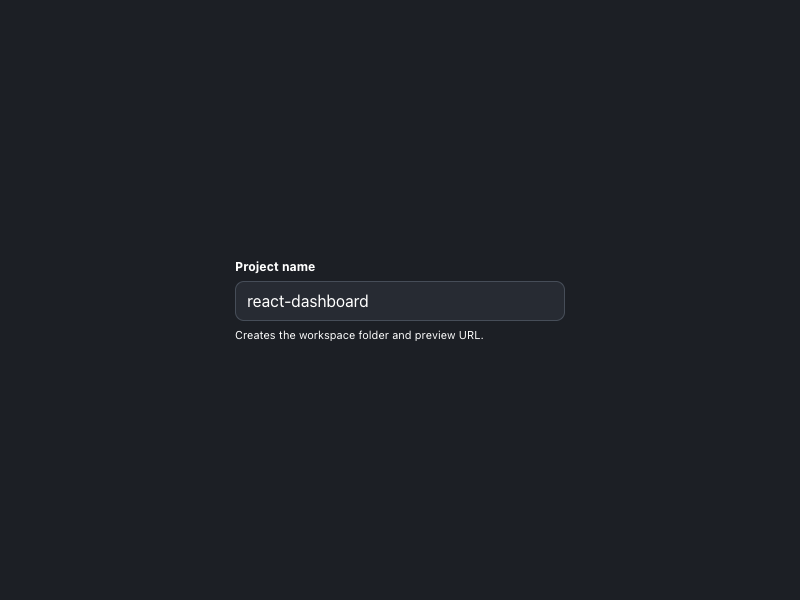
Project name Creates the workspace folder and preview URL.
0
191

HTML/CSS · JavaScript

Frontend Forever's avatarFrontend Forever
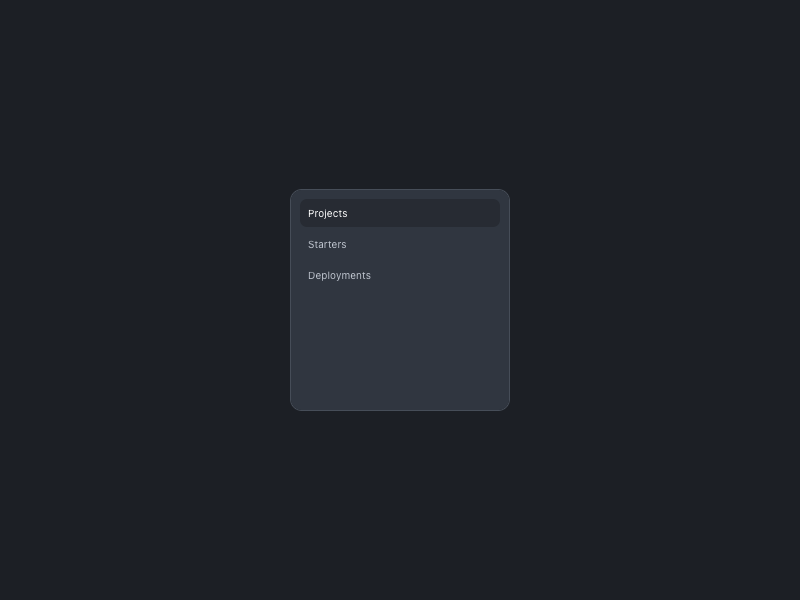
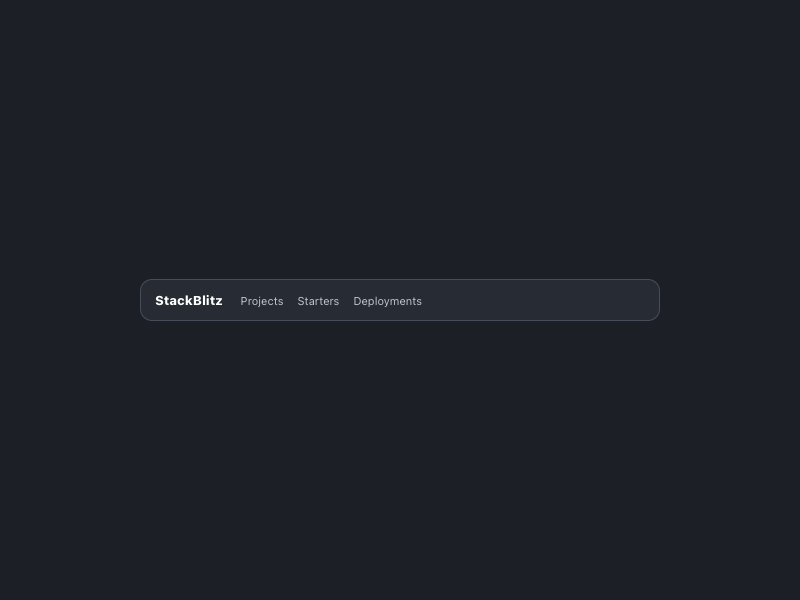
StackBlitz Projects Starters Deployments
0
171

HTML/CSS · JavaScript

Frontend Forever's avatarFrontend Forever
Projects Starters Deployments Project WebContainer app Preview running
0
165

HTML/CSS · JavaScript

Frontend Forever's avatarFrontend Forever
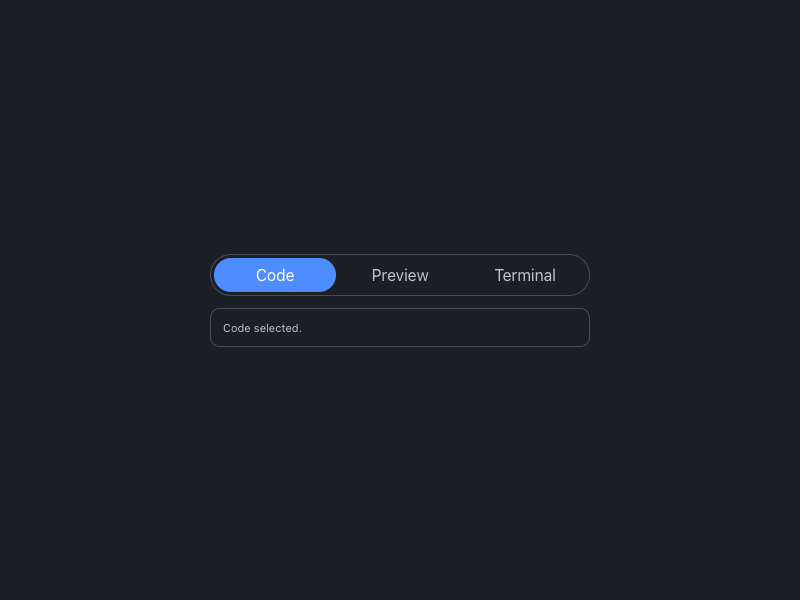
Code Preview Terminal Code selected.
0
131

HTML/CSS · JavaScript

Frontend Forever's avatarFrontend Forever
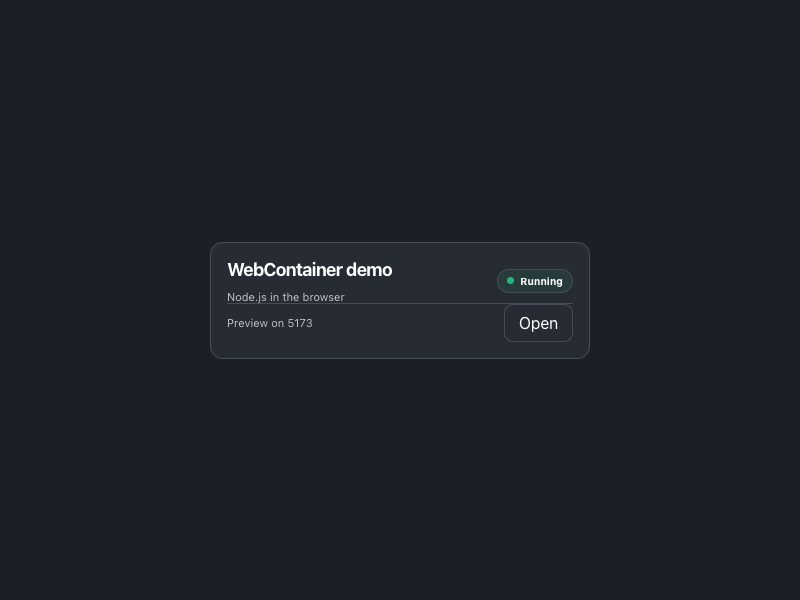
WebContainer demo Node.js in the browser Running Preview on 5173 Open
0
162

HTML/CSS · JavaScript

Frontend Forever's avatarFrontend Forever
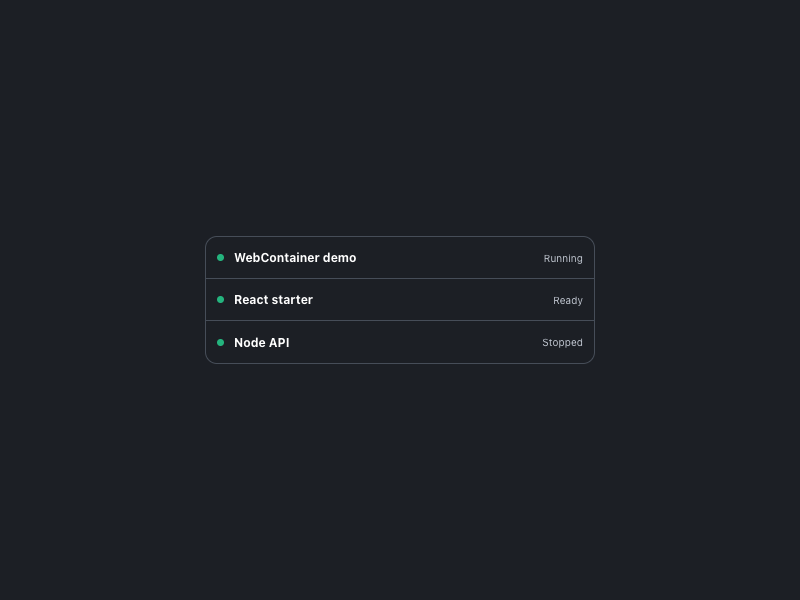
WebContainer demo Running React starter Ready Node API Stopped
0
155

HTML/CSS · JavaScript

Frontend Forever's avatarFrontend Forever
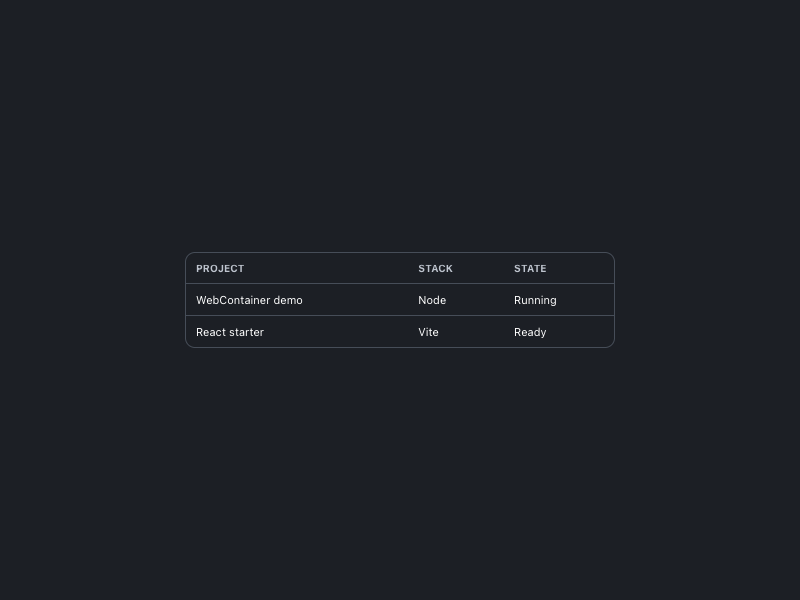
Project Stack State WebContainer demo Node Running React starter Vite Ready
0
143

HTML/CSS · JavaScript

Frontend Forever's avatarFrontend Forever
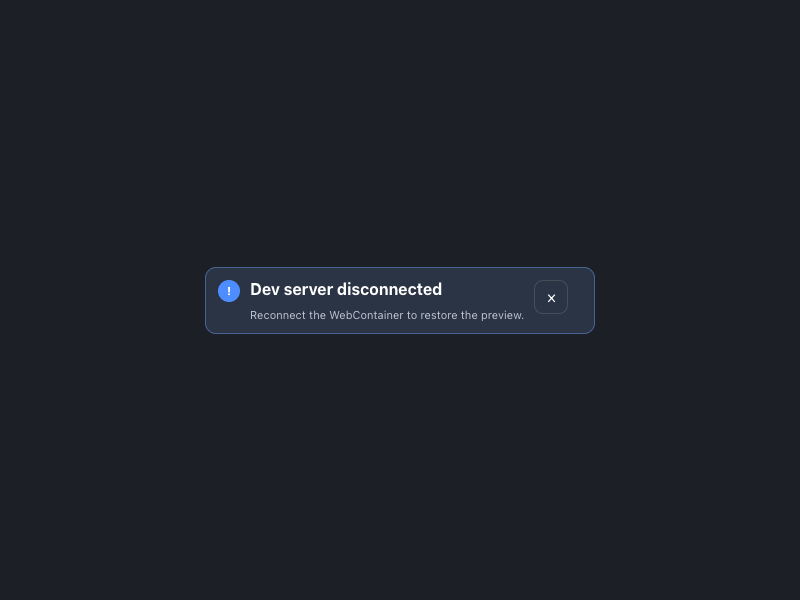
! Dev server disconnected Reconnect the WebContainer to restore the preview. ×
0
158

HTML/CSS · JavaScript

Frontend Forever's avatarFrontend Forever
0
142

HTML/CSS · JavaScript

Frontend Forever's avatarFrontend Forever
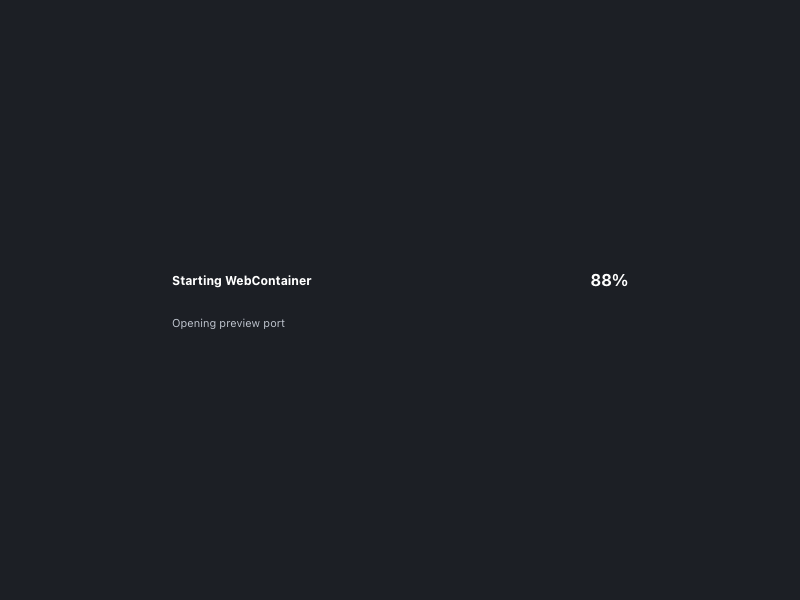
Starting WebContainer 88% Opening preview port
0
152

HTML/CSS · JavaScript

Frontend Forever's avatarFrontend Forever
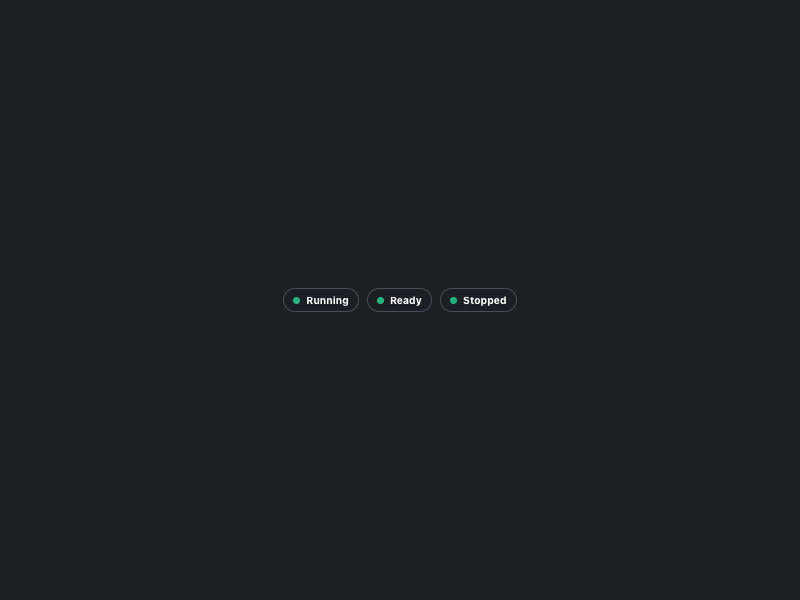
Running Ready Stopped
0
119

HTML/CSS · JavaScript

Frontend Forever's avatarFrontend Forever
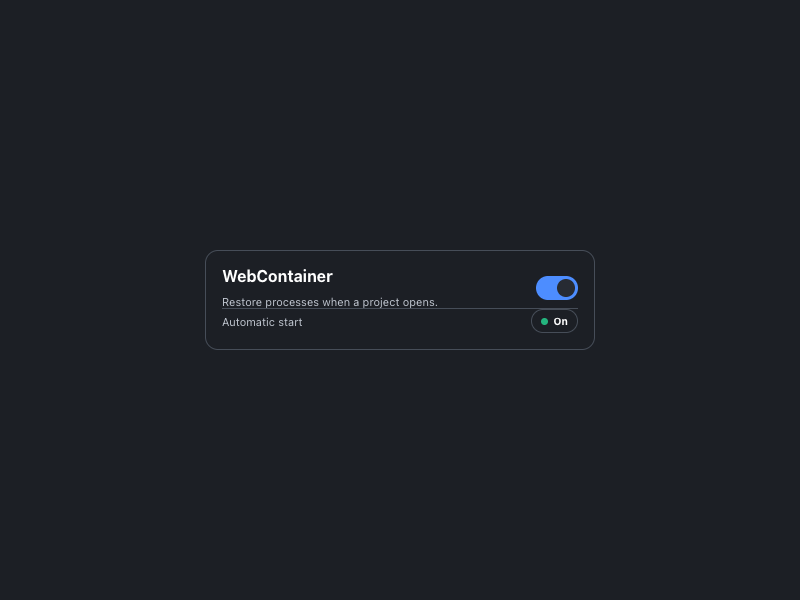
WebContainer Restore processes when a project opens. Automatic start On
0
137

HTML/CSS · JavaScript

Frontend Forever's avatarFrontend Forever
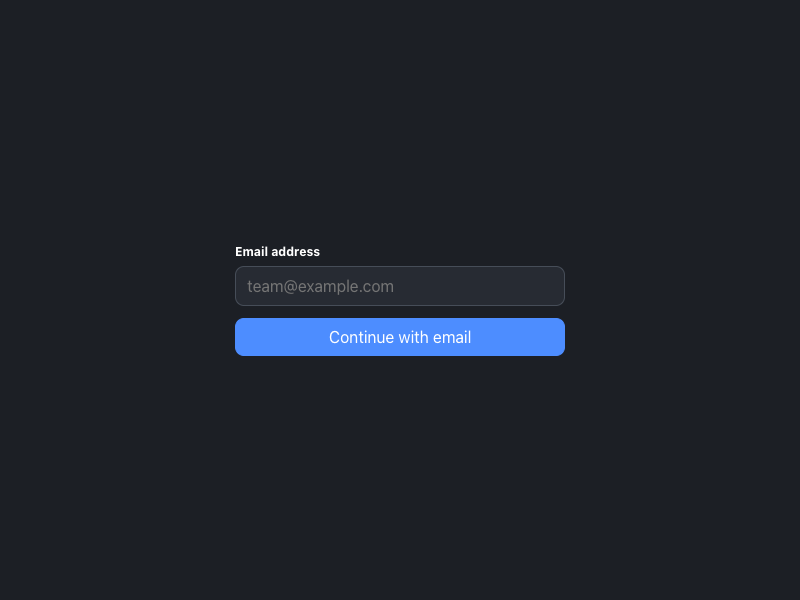
Email address Continue with email
0
172

HTML/CSS · JavaScript

Frontend Forever's avatarFrontend Forever
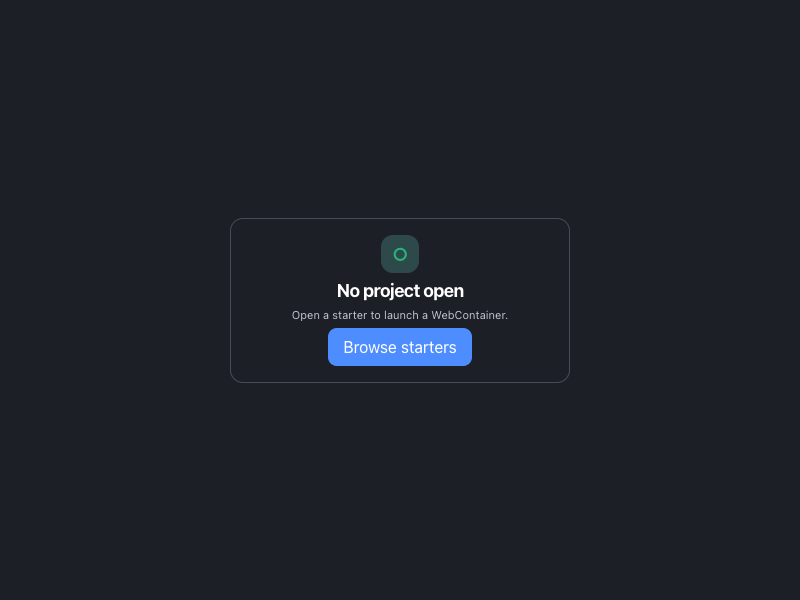
○ No project open Open a starter to launch a WebContainer. Browse starters
0
145

HTML/CSS · JavaScript

Frontend Forever's avatarFrontend Forever
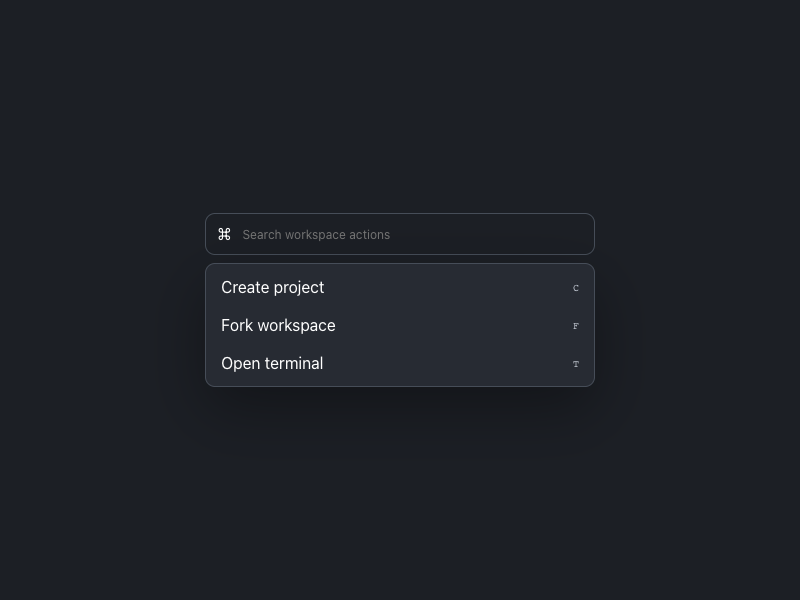
⌘ Create project C Fork workspace F Open terminal T
0
156

HTML/CSS · JavaScript

Frontend Forever's avatarFrontend Forever
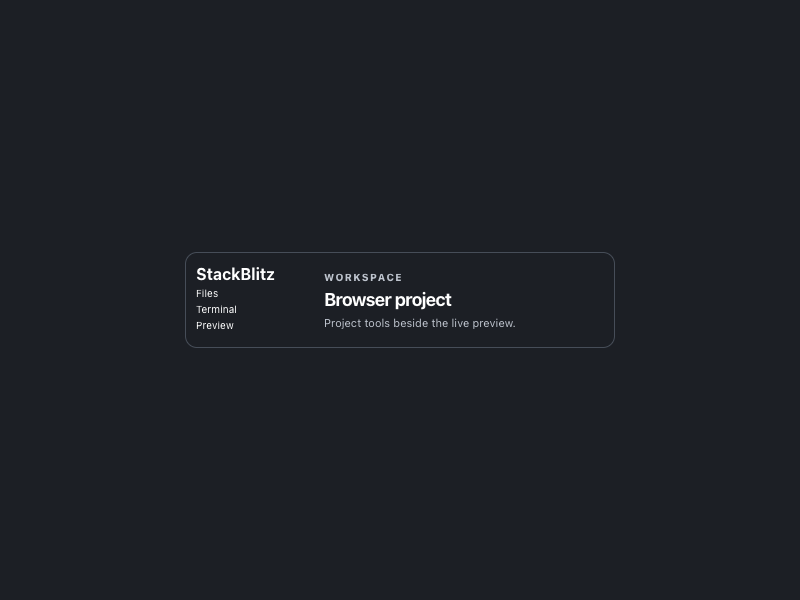
StackBlitz Files Terminal Preview Workspace Browser project Project tools beside the live preview.
0
156

HTML/CSS · JavaScript

Frontend Forever's avatarFrontend Forever

More AI Kits

Published AI Kit Protected source files for Starter and Super members