01
Choose the right kit
Try its delivered previews and check verified stack, theme support and access before choosing it.
Choose an AI Kit, give its guidance and styles to your project, and let every new interface start from the same visual system.
Try its delivered previews and check verified stack, theme support and access before choosing it.
Start with the implementation instructions and use the tokens as the shared language for every screen.
Use the full package when available. Follow its README and keep untested framework conversions marked unverified.
Reuse the kit's original specimens and verify your result against the delivered demo at desktop and mobile sizes.
01 · Download
Starter and Super members can obtain protected guidance and styles. Where a versioned package is available, follow its README and verified installation path. Keep shared component styles, fonts and other dependencies together.
DESIGN.mdFull design guidancetokens.jsonPortable design valuestailwind.cssTailwind v4 token mappingstyles.cssFramework-agnostic CSSelements/Original HTML / CSS / JavaScriptdemo/Runnable local demonstrationfonts/Fonts and their licensesREADME.mdVerified setup and troubleshootingdependencies.jsonCompatibility statusLICENSE.txtMIT source licenseCompare every meaningful state
Use the delivered demo to check composition, responsive behavior, theme modes and actual interactions.
02 · Observe
Before editing code, try the original demo and component previews. Reference screenshots are inspiration; their site source is not included. Verify the states your project needs.
03 · Integrate
Read the supplied files before using this starting prompt. Named assistant outputs and framework conversions remain unverified until tested. Copying files does not establish successful setup.
Use this AI Kit as the visual source of truth.

1. Read DESIGN.md and README.md before changing the interface.
2. Map tokens.json into the project's existing theme or CSS variables.
3. Follow a verified installation path. Keep full styles and all shared component dependencies.
4. Match the delivered demo and component specimens, spacing, typography, and states. Reference website screenshots are inspiration only.
5. Reuse the assigned collection components before creating new patterns.
Assigned collection
Approved components in intentional order
Buttons & actions
Forms & inputs
Cards & feedback
04 · Keep the loop
Keep the AI Kit in your project instructions and point new UI work back to its assigned collection. When the interface changes, compare it with the kit again before shipping.
Try the workflow
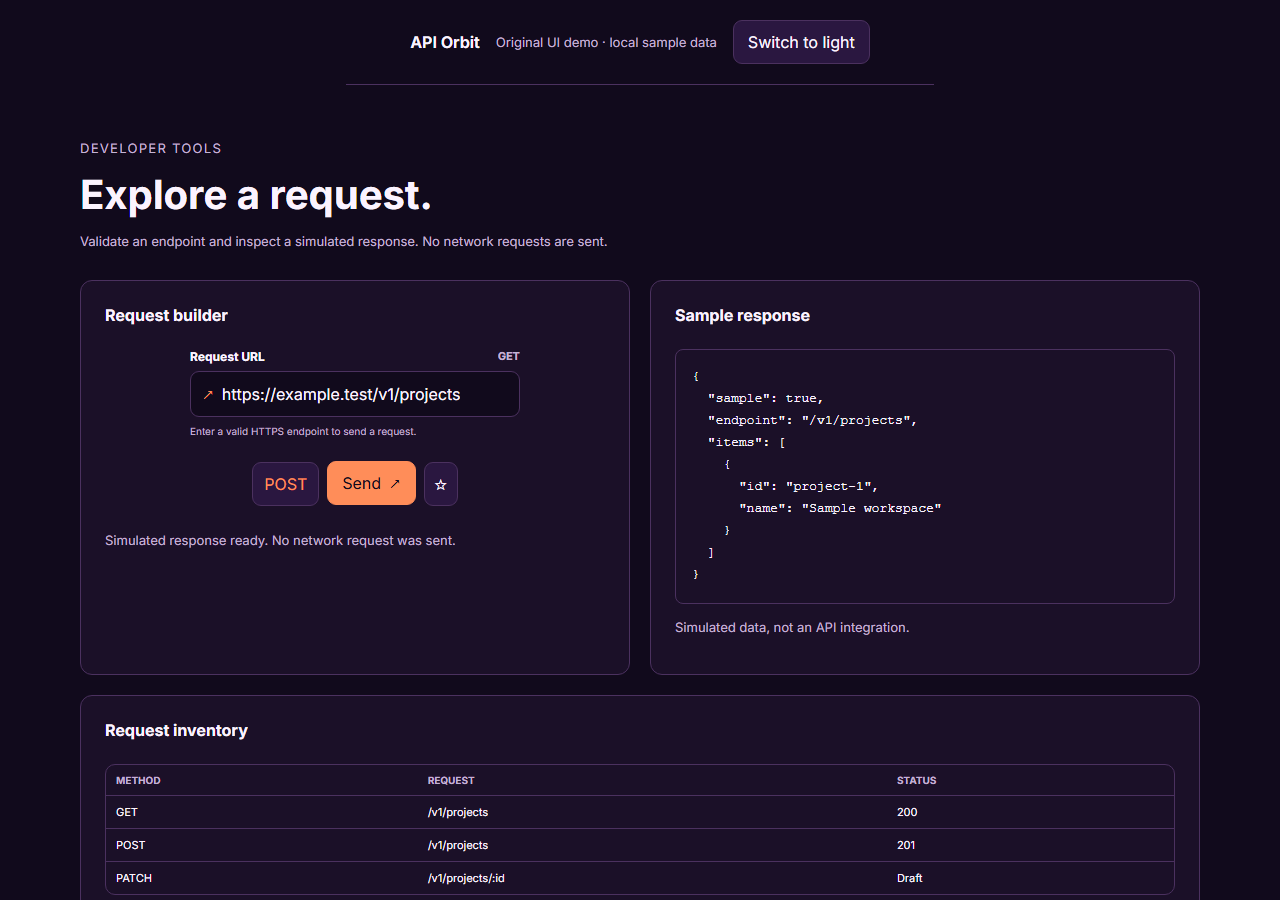
An unofficial, original Postman-inspired interface study with 14 focused specimens supported by the live product and content experience.
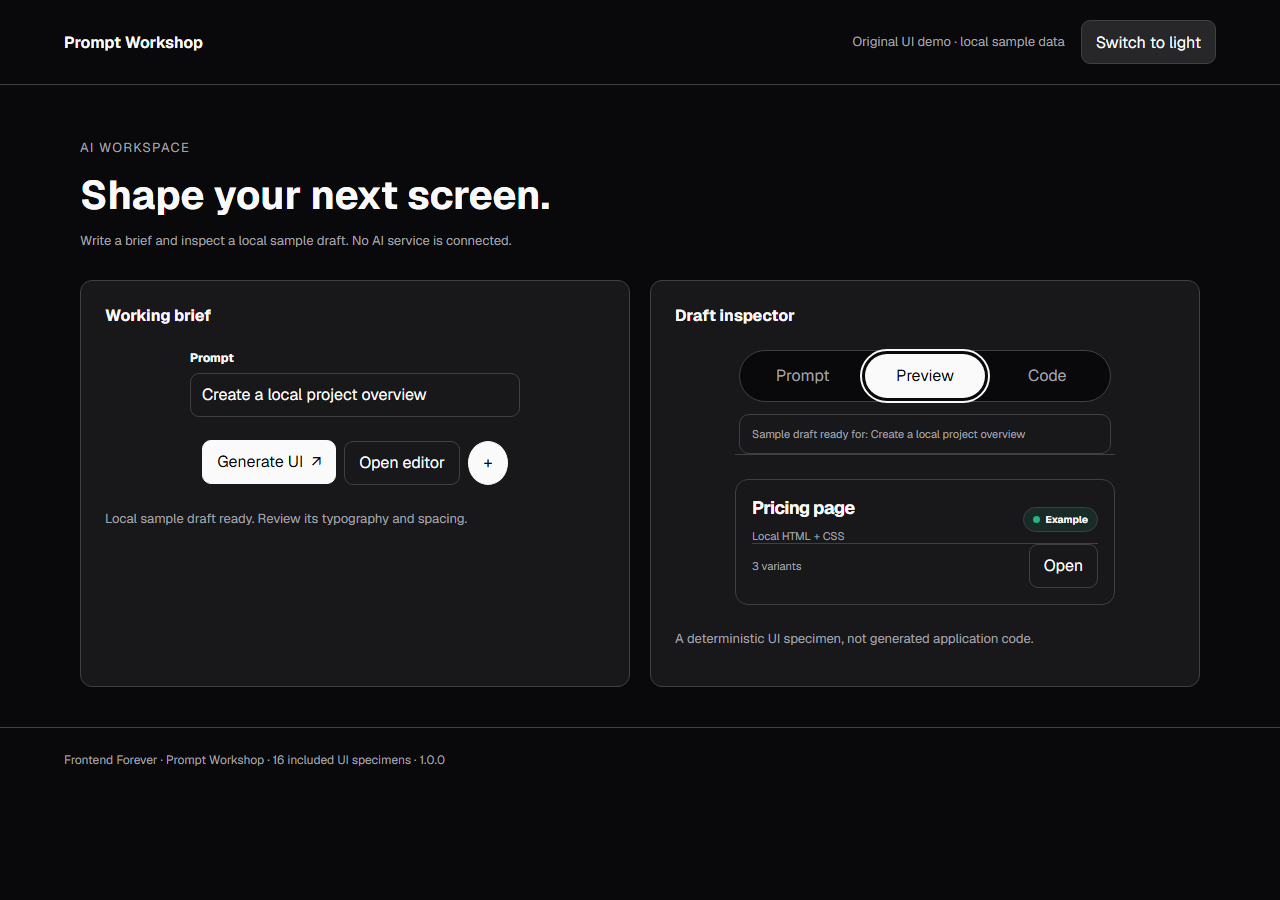
An unofficial, original v0-inspired Prompt Workshop system grounded in 16 retained, evidence-backed interface patterns.
13 focused, original elements for Borderless Ledger.