

Skip to content
All AI Kits
Design system Paid source13 components

Deno-inspired Green Runtime

An original, unofficial Deno-inspired system for runtime onboarding, built-in developer tooling, and security-aware technical marketing surfaces. It retains only 13 focused elements supported by Deno's live landing-page workflows.

Includes DESIGN.md, tokens.json, full CSS, Tailwind v4 token mapping and matching UI specimens. Preview for free; protected guidance and style downloads require Starter or Super. Framework installation and theme support are verified only where listed.

Theme support:
Unverified
Installation:
No verified installation path listed

Delivered component specimen

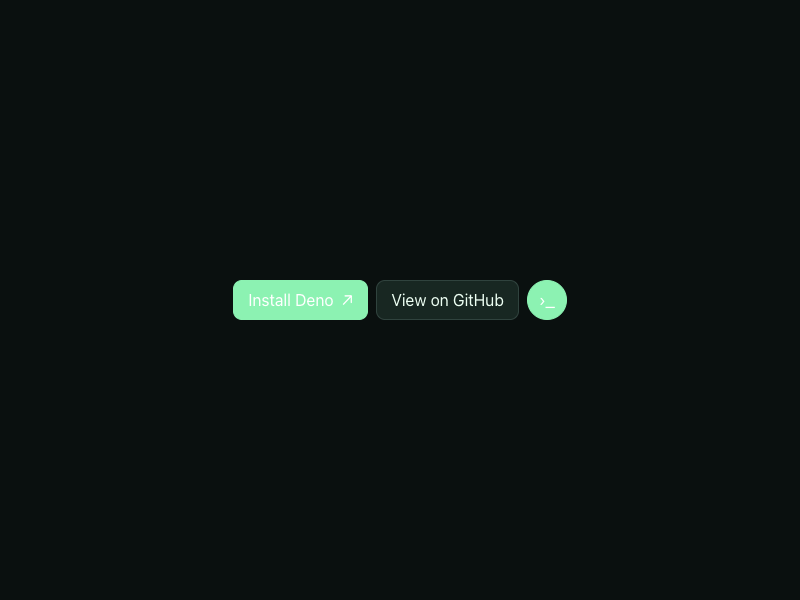
Install Deno ↗ View on GitHub ›_
0
142
Design foundations

Inspect the kit's typography, palette, icons, spacing and motion.

Style identity

Green Runtime

A direct technical system for runtime onboarding that makes installation, built-in tooling, security, and release context easy to scan.

Reference style: Dark technical minimalism with a confident mint action and cool runtime glow.
Visit website

Typography

Font families

Inter

Body, navigation, hero headings, controls, and release labels observed on the live Deno homepage.

Inter, ui-sans-serif, system-ui, -apple-system, Segoe UI, Roboto, Helvetica Neue, Arial, Noto Sans, sans-serif
Weights
400,500,600,700
Sizes
14px,16px,36px,72px
Line height
20px,24px,39.6px,79.2px
Tracking
0,-0.9px,-1.8px

Fallback: ui-sans-serif, system-ui, -apple-system, Segoe UI, Roboto, Arial, sans-serif

Runtime mono

Install commands, package names, version values, and utility labels.

ui-monospace, SFMono-Regular, Menlo, Consolas, Monaco, Liberation Mono, monospace
Weights
400,500,600
Sizes
12px,13px,14px
Line height
18px,20px,22px
Tracking
0,0.02em

Fallback: monospace

Palette

Core colors

Runtime canvas / light

#f1faf5

Soft green documentation field.

Runtime canvas / dark

#0a100f

Primary near-black runtime surface.

Panel / light

#ffffff

Install and feature card surface.

Panel / dark

#111a17

Raised command or feature surface.

Ink / light

#12201a

Readable dark copy on the light field.

Ink / dark

#edfff3

High-contrast runtime copy.

Runtime mint / light

#238f61

Primary install action and success.

Runtime mint / dark

#8cf2b2

Primary action and focus on dark.

Cool blue

#6ab7ff

Secondary tool and link signal.

Warm warning

#f3c06e

Release or caution state.

Hairline

#30433e

Quiet panel and list separation.

Type scale

Responsive hierarchy

RoleSizeWeightLine heightTracking
Hero desktop72px70079.2px—
Hero mobile39.25px70043.175px—
Section desktop36px70039.6px—
Body16px40024px—
Utility14px60020px—
Command13px50020px—

Spacing & shape

Layout rhythm

Density
Base unit
Max width
Section gap
Card padding
Element gap

Iconography

Compact stroke-based chevrons, copy glyphs, product marks, and social icons authored in the site UI.

1.5px to 2px; use currentColor and preserve a 24px viewBox. stroke · 14px / 16px / 24px

Use currentColor, pair symbols with labels for important actions, and preserve optical alignment.

System metrics

Radius

Sm 6pxValue 6pxMd 10pxValue 10pxLg 16px

Spacing

1 4pxValue 4px2 8pxValue 8px3 12px

Motion

Fast 180msValue 180msStandard 300msValue 300msEasing ease-out

Guidelines

Do

  • Keep install and GitHub/community actions adjacent to the runtime promise.
  • Use mint for success and action, blue for secondary tool context, and warning sparingly.
  • Show the exact command and its target platform instead of hiding setup behind prose.
  • Keep skip links, keyboard focus, and copy status visible to assistive technology.

Don't

  • ×Do not overload the hero with every Deno product.
  • ×Do not use a generic security warning tone; explain permissions calmly.
  • ×Do not rely on a moving glow to communicate readiness.
  • ×Do not copy Deno's logo, wording, release art, or source imagery.

Imagery

Prefer original CSS glows, terminal shapes, and simple diagrams. Do not use Deno logos, screenshots, live-site illustrations, or proprietary assets.

Layout

Lead with one direct runtime promise, a two-action group, and an install proof block. Split explanation and tooling on desktop; stack them in reading order at 390px.

Assigned collection

Green Runtime Interface Elements

13 published components in collection order

Components

Built from the same system

These working component previews are supplied with the kit. Open a component to inspect its code; the reference screenshots show the original website.

Open collection
Install Deno ↗ View on GitHub ›_
0
142
Install target Shell Homebrew PowerShell
0
161
⌕ ⌘ K
0
159
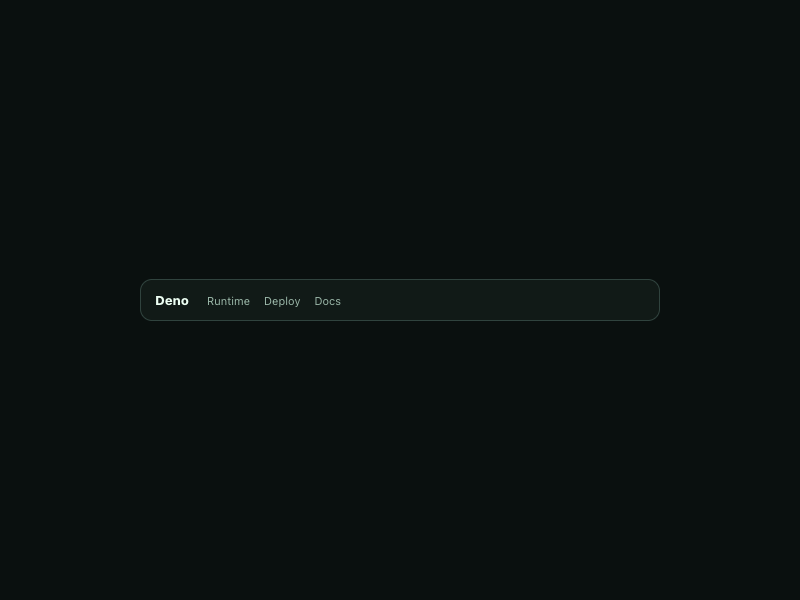
Deno Runtime Deploy Docs
0
134
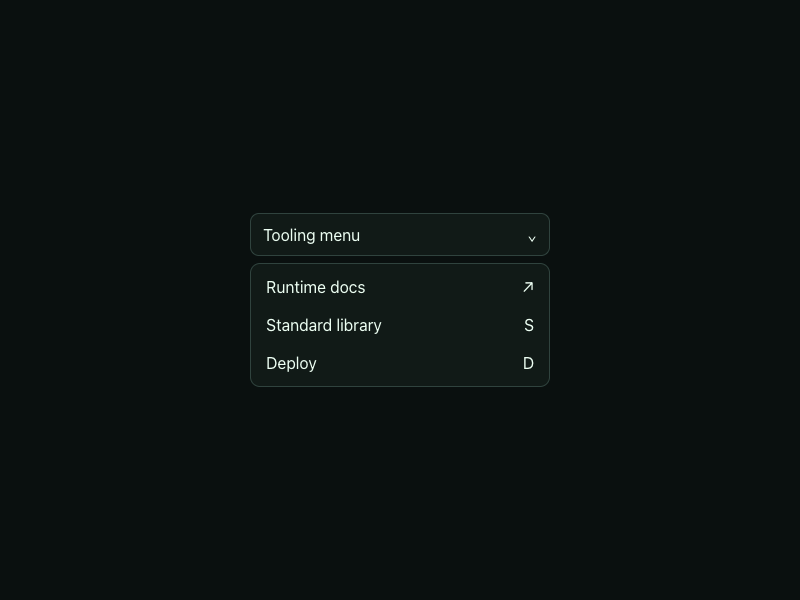
Tooling menu ⌄ Runtime docs ↗ Standard library S Deploy D
0
148
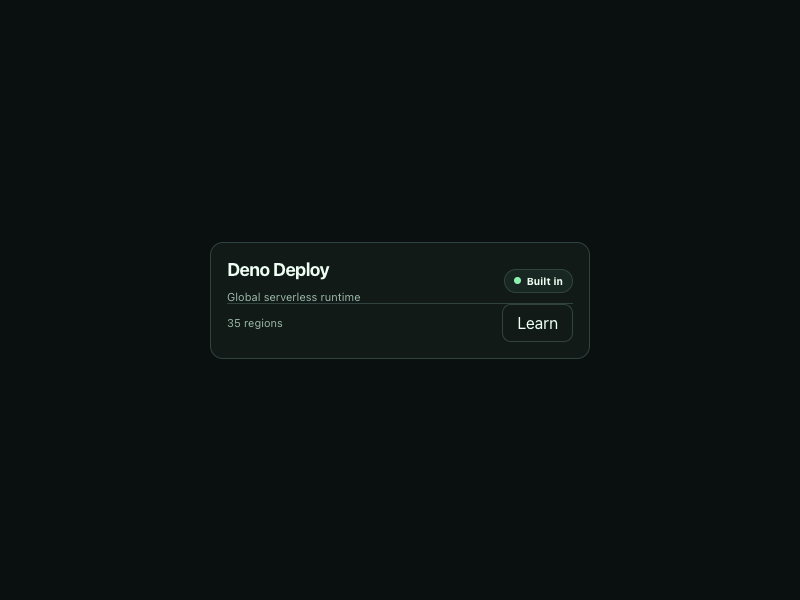
Deno Deploy Global serverless runtime Built in 35 regions Learn
0
139
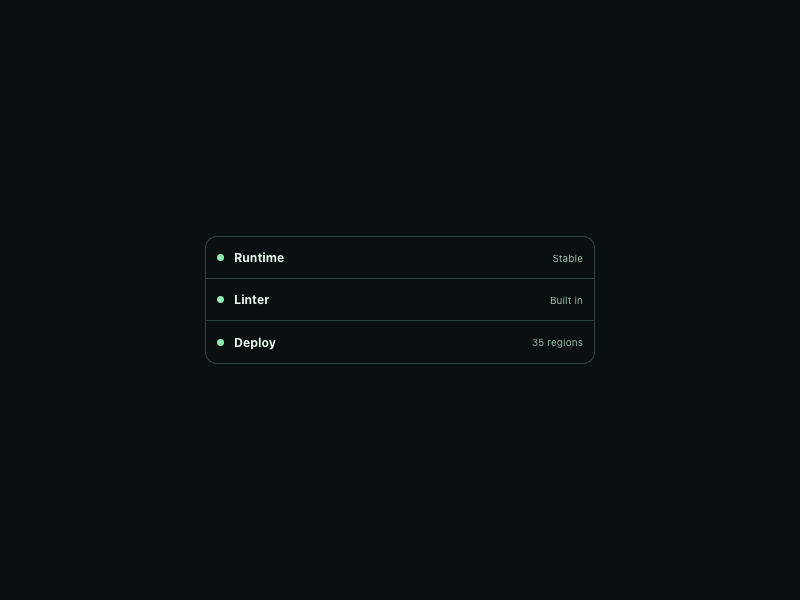
Runtime Stable Linter Built in Deploy 35 regions
0
145
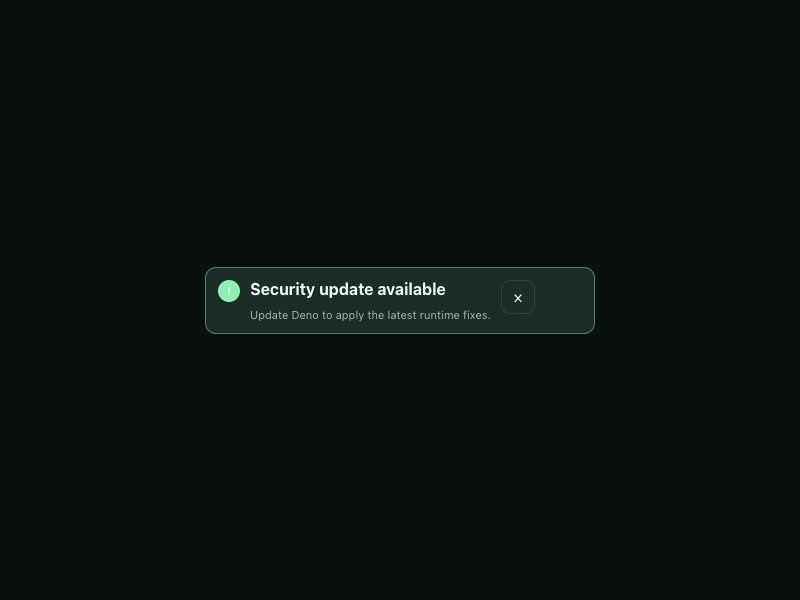
! Security update available Update Deno to apply the latest runtime fixes. ×
0
131
Deno 2.5 Stable Deploy
0
127
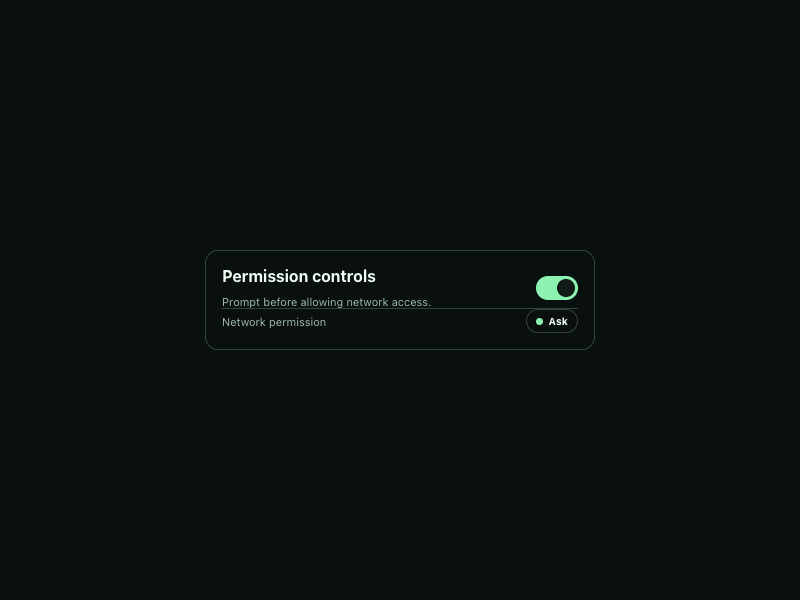
Permission controls Prompt before allowing network access. Network permission Ask
0
141
✓ Install 2 Configure 3 Deploy
0
135
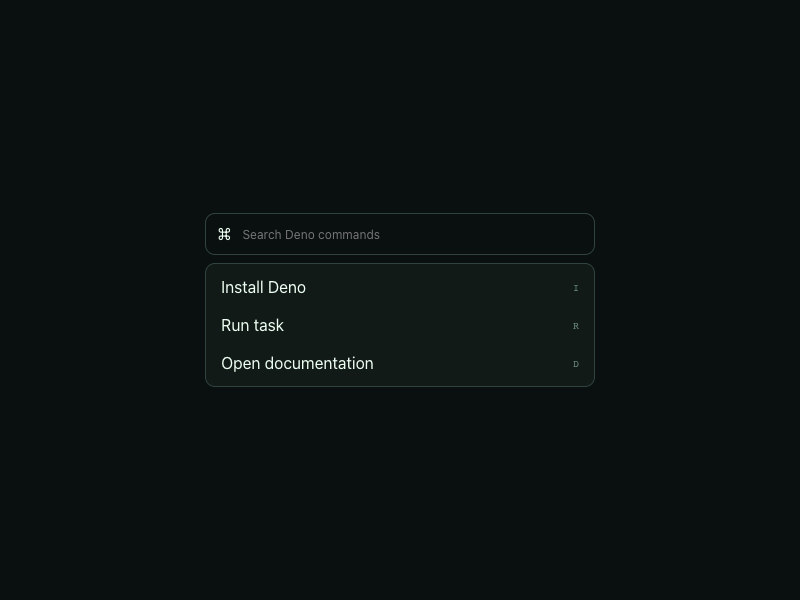
⌘ Install Deno I Run task R Open documentation D
0
137
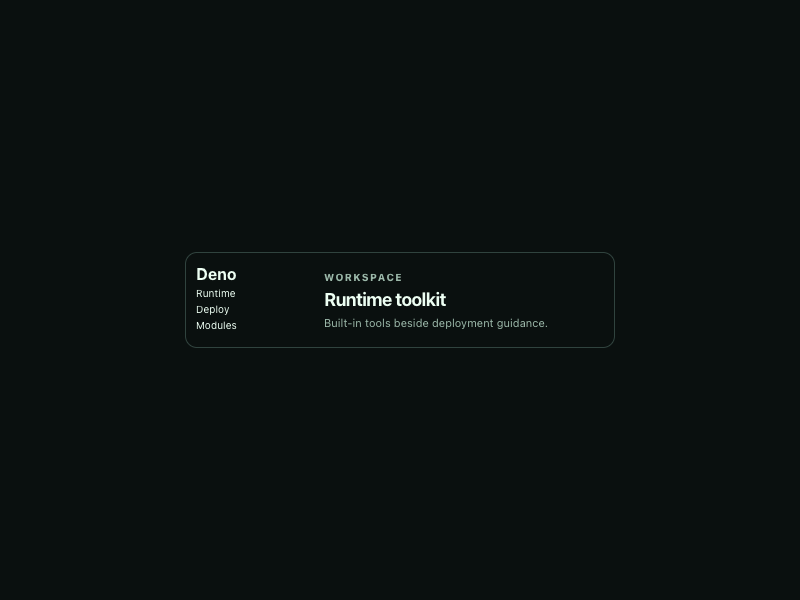
Deno Runtime Deploy Modules Workspace Runtime toolkit Built-in tools beside deployment guidance.
0
150

More AI Kits

Published AI Kit Protected source files for Starter and Super members