

Skip to content
All AI Kits
Design system Paid source13 components

Cursor-inspired Agent Workbench

A focused workbench language for agent-led software creation: warm charcoal surfaces, large editorial type, task statuses, side-by-side Desktop and CLI demos, command cues, follow-up chat, and automation activity. It is an original study without Cursor's marks, screenshots, code, or protected copy. Responsive previews and 13 evidence-backed interface elements.

Includes DESIGN.md, tokens.json, full CSS, Tailwind v4 token mapping and matching UI specimens. Preview for free; protected guidance and style downloads require Starter or Super. Framework installation and theme support are verified only where listed.

Theme support:
Unverified
Installation:
No verified installation path listed

Delivered component specimen

Run agent ↗ Review changes ▶
0
32
Design foundations

Inspect the kit's typography, palette, icons, spacing and motion.

Style identity

Cursor-inspired Agent Workbench

A focused workbench language for agent-led software creation: warm charcoal surfaces, large editorial type, task statuses, side-by-side Desktop and CLI demos, command cues, follow-up chat, and automation activity. It is an original study without Cursor's marks, screenshots, code, or protected copy.

Reference style: warm charcoal agent workspace with quiet navigation and command grammar
Visit website

Typography

Font families

Cursor Gothic-style display sans (unlicensed substitute in source)

Editorial hero, navigation, agent demo headings, and interface copy

Inter, Helvetica Neue, Arial, sans-serif
Weights
400, 500, 600
Sizes
12–88px
Line height
0.92–1.6
Tracking
-0.08em to 0

Fallback: Helvetica Neue, Arial, ui-sans-serif, system-ui, sans-serif

System monospace

Technical metadata, counts, command cues, and code-like labels

SFMono-Regular, Menlo, Consolas, monospace
Weights
400, 500, 600
Sizes
10–16px
Line height
1.35–1.6
Tracking
0 to 0.04em

Fallback: ui-monospace, SFMono-Regular, Menlo, Consolas, monospace

Palette

Core colors

Dark canvas

#12110e

Primary dark page background

Dark surface

#1a1915

Card, code, and specimen surfaces

Dark raised

#25231d

Hover, selected, and raised control surface

Dark border

#39362d

Hairline structure on dark mode

Dark text

#f2f0ea

Primary dark-mode content

Dark muted

#aaa69a

Secondary dark-mode content

Light canvas

#f5f4ef

Primary light page background

Light surface

#ffffff

Light card and specimen surface

Light raised

#ecebe3

Hover, selected, and raised light surface

Light border

#d9d7cc

Hairline structure on light mode

Accent

#c8f36a

Primary action and selected state

Accent secondary

#86c8ff

Focus, secondary action, or supporting signal

Warm

#ffbd73

Attention and editorial emphasis

Ready

#7ce5aa

Success, ready, or healthy state

Type scale

Responsive hierarchy

RoleSizeWeightLine heightTracking
Display76px4000.94-0.075em
Hero mobile38px4001.02-0.05em
Section heading48px5001.04-0.06em
Product heading24px6001.2-0.025em
Body large18px4001.6-0.01em
Body16px4001.550
Interface label14px5001.4-0.01em
Metadata12px5001.450.02em

Spacing & shape

Layout rhythm

Density
editorial hero with dense workbench islands
Base unit
4px
Max width
1200px
Section gap
84–116px
Card padding
18–24px
Element gap
8–14px

System metrics

Radius

Compact 6pxControl 8pxPanel 12pxFrame 18pxPill 999px

Spacing

1 4px2 8px3 12px4 16px5 20px

Motion

Fast 150msControl 180msNormal 240msReveal 500msEase cubic-bezier(0.2, 0.8, 0.2, 1)

Elevation

Panel

0 18px 50px rgba(0, 0, 0, 0.18)

Large preview and focused content frame

Overlay

0 24px 80px rgba(0, 0, 0, 0.32)

Menu, dialog, or floating command surface

Focus ring

0 0 0 3px #c8f36a55

Keyboard focus indication

Surfaces & shape

Dark canvas

#12110e

Dark-first page and specimen background

Dark panel

#1a1915

Primary dark content surface

Light canvas

#f5f4ef

Light page and specimen background

Light panel

#ffffff

Primary light content surface

Guidelines

Do

  • Keep the workbench hierarchy task → agent → follow-up.
  • Use sidebars and panels to preserve project context.
  • Show model, status, command, and time metadata close to the action.
  • Make chat and command surfaces keyboard friendly.

Don't

  • ×Do not copy Cursor's screenshots, code, logo, or product text.
  • ×Do not use a generic dashboard as a substitute for an agent workbench.
  • ×Do not hide commands behind icon-only controls.
  • ×Do not make the lime accent the page background.

Imagery

Use original code-like line art, neutral workbench frames, and task diagrams. Do not reuse Cursor's photography, screen recordings, or demo screenshots.

Layout

Use a 1200px rail, large proposition type, and desktop two-column demo frames that collapse to one column below 900px. Mobile keeps the active task and composer in view before secondary context.

Assigned collection

Cursor-inspired AI Interface Elements

13 published components in collection order

Components

Built from the same system

These working component previews are supplied with the kit. Open a component to inspect its code; the reference screenshots show the original website.

Open collection
Run agent ↗ Review changes ▶
0
32
Follow-up
0
43
Cursor Editor Agent Teams
0
43
Agent Changes Terminal Agent task Refactor search 3 files changed
0
55
Editor Agent Terminal Editor surface selected.
0
38
Refactor search Agent editing 3 files In progress 12 changes Review
0
43
Auth refactor 12 changes Billing tests 4 files Docs cleanup Ready
0
36
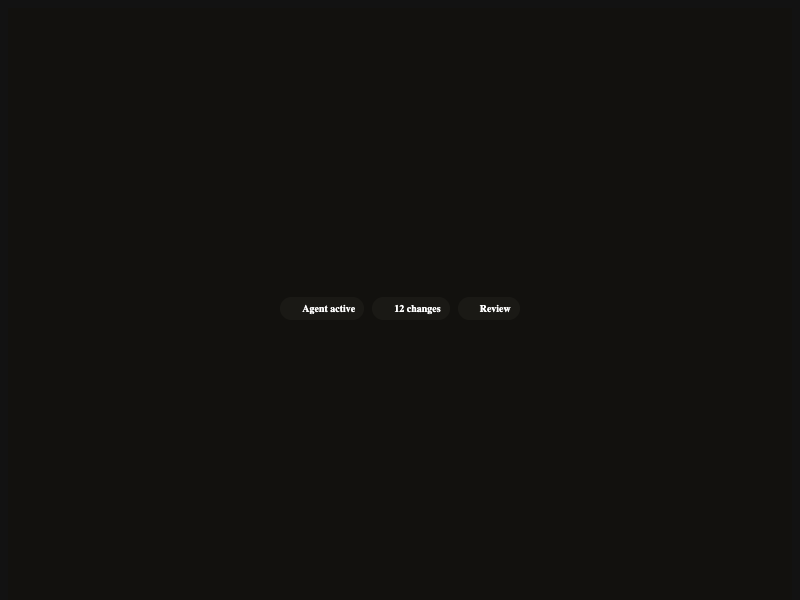
Agent active 12 changes Review
0
46
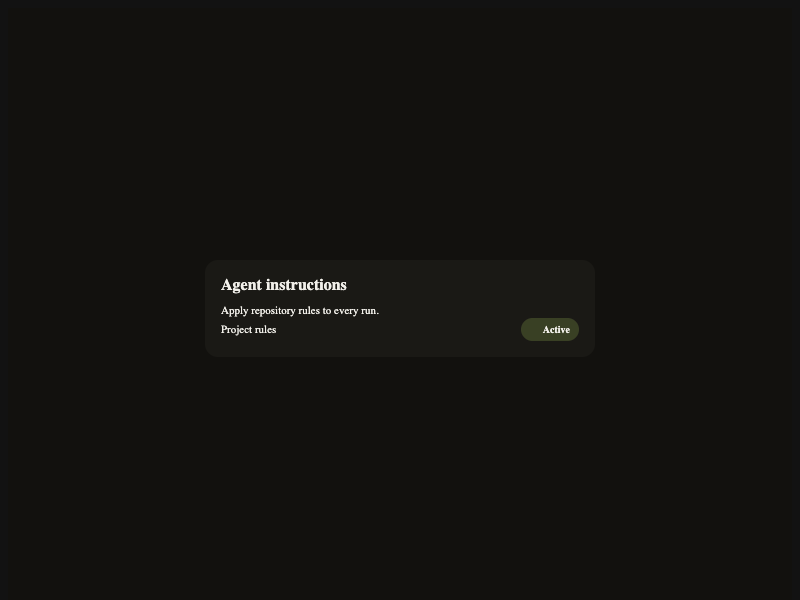
Agent instructions Apply repository rules to every run. Project rules Active
0
40
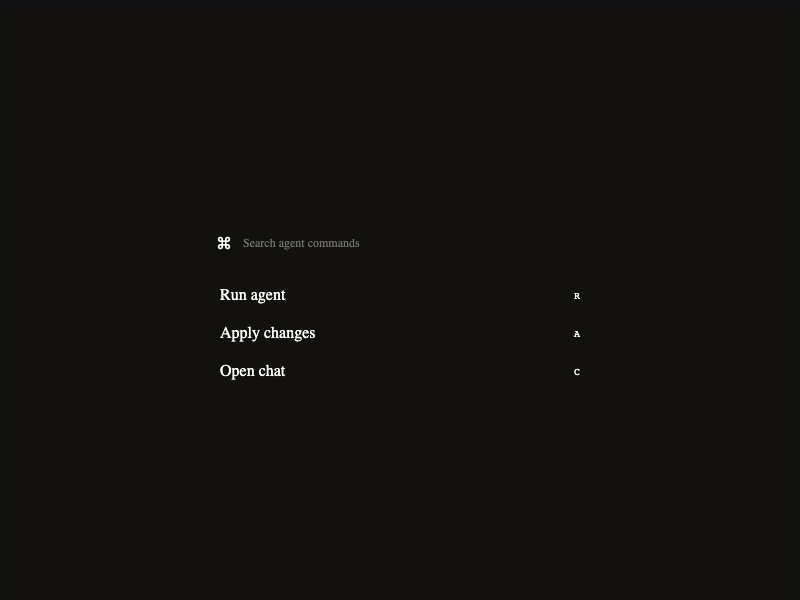
⌘ Run agent R Apply changes A Open chat C
0
35
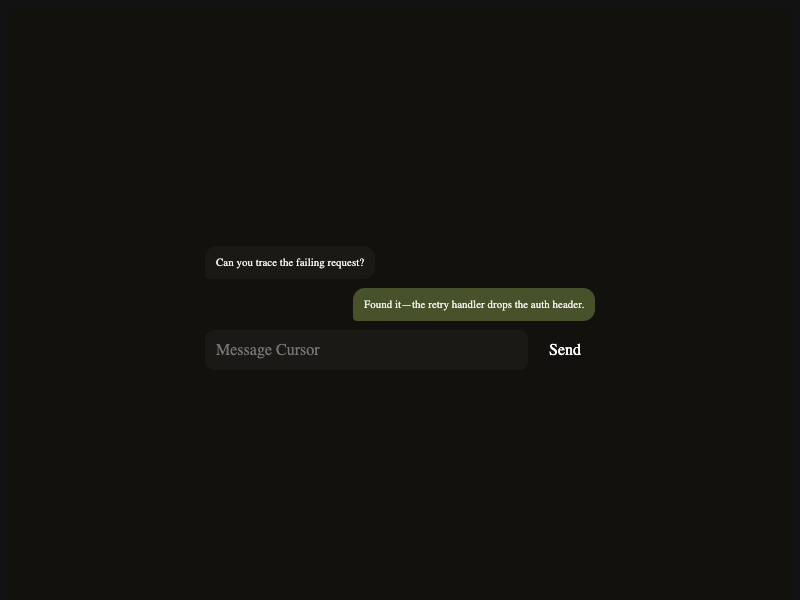
Can you trace the failing request? Found it—the retry handler drops the auth header. Send
0
48
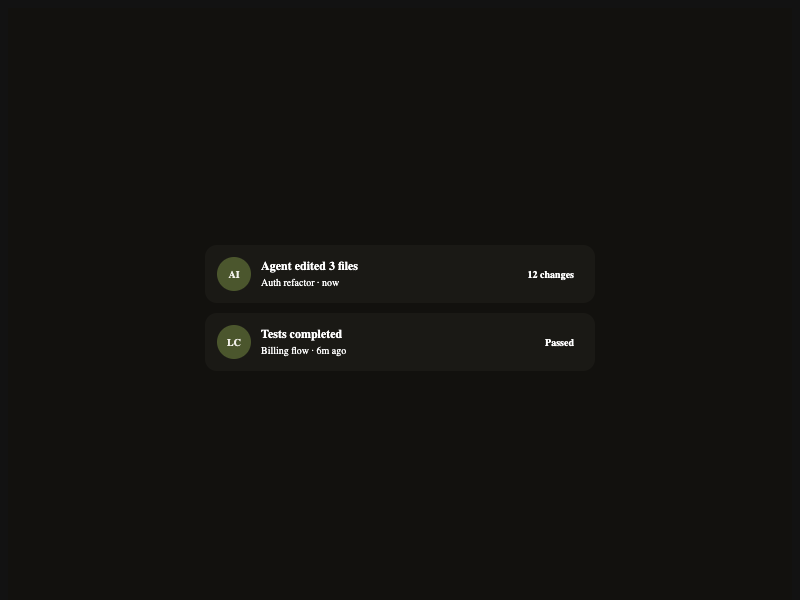
AI Agent edited 3 files Auth refactor · now 12 changes LC Tests completed Billing flow · 6m ago Passed
0
35
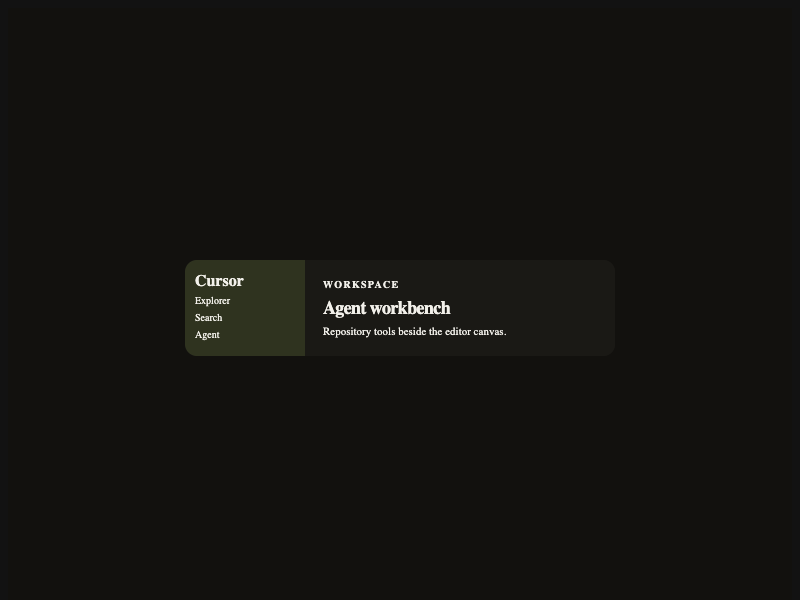
Cursor Explorer Search Agent Workspace Agent workbench Repository tools beside the editor canvas.
0
33

More AI Kits

Published AI Kit Protected source files for Starter and Super members
Cursor-inspired Agent Workbench AI Kit - Frontend Forever