

Skip to content
All AI Kits
Design system Paid source16 components

Bolt-inspired Build Lab

An unofficial, original Bolt-inspired Build Lab system grounded in 16 retained, evidence-backed interface patterns.

Includes DESIGN.md, tokens.json, full CSS, Tailwind v4 token mapping and matching UI specimens. Preview for free; protected guidance and style downloads require Starter or Super. Framework installation and theme support are verified only where listed.

Theme support:
Unverified
Installation:
No verified installation path listed

Delivered component specimen

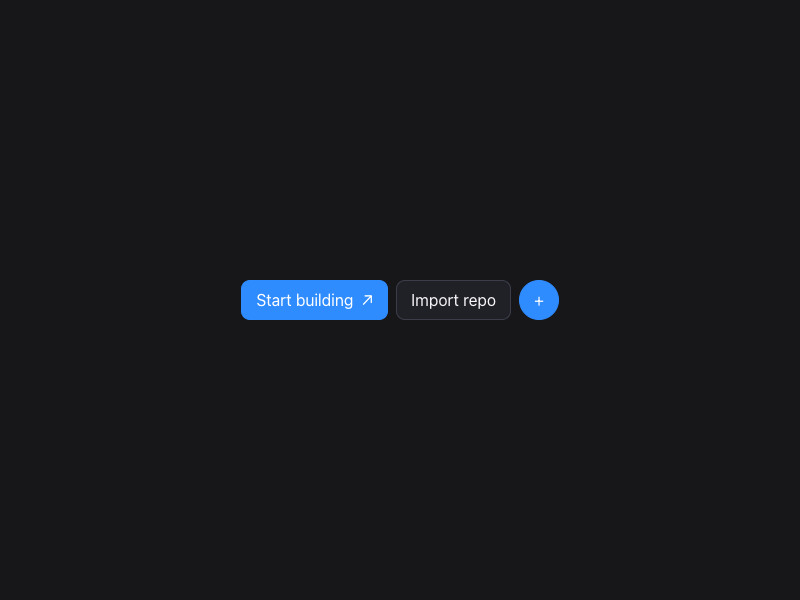
Start building ↗ Import repo +
0
124

HTML/CSS · JavaScript

FFrontend Forever
Design foundations

Inspect the kit's typography, palette, icons, spacing and motion.

Style identity

Bolt-inspired Build Lab

A chat-led build launcher that lets a visitor choose the target, provide context, and move into a tested, hosted result.

Reference style: Dark-first AI builder with a blue/cyan atmospheric signal, a heavy rounded compo
Visit website

Typography

Font families

Inter

Navigation, body copy, controls, and product explanations

Inter, ui-sans-serif, system-ui, sans-serif
Weights
400,500,600,700
Sizes
12px,14px,16px,20px,32px,48px
Line height
1.25–1.5
Tracking
-0.025em for headings; normal for body

Fallback: ui-sans-serif, system-ui, -apple-system, BlinkMacSystemFont, Segoe UI, sans-serif

Inter Display

Large hero and section headlines

"Inter Display", Inter, ui-sans-serif, system-ui, sans-serif
Weights
600,700
Sizes
40px,48px,64px
Line height
1.0–1.1
Tracking
-0.04em

Fallback: Inter, ui-sans-serif, system-ui, sans-serif

Palette

Core colors

canvas

#f4f8ff

Page canvas in light mode

surface

#ffffff

Raised content surface in light mode

surface-dark

#202126

Raised content surface in dark mode

text

#14161d

Primary readable text

muted

#667085

Supporting copy and metadata

border

#d8e2f2

Quiet dividers and control outlines

accent

#2f8cff

Primary action or active state

accent-secondary

#18d5c4

Secondary signal or gradient stop

dark-canvas

#171719

Page canvas in dark mode

dark-text

#f9f6f9

Primary readable text in dark mode

Type scale

Responsive hierarchy

RoleSizeWeightLine heightTracking
display-xlclamp(44px, 7vw, 94px)7000.98–1.08-0.06em
display-lgclamp(32px, 5vw, 64px)7001.0–1.12-0.05em
heading24–32px6001.2–1.35-0.035em
body14–16px4001.45–1.6normal
label11–13px6001.3–1.450.01em
technical10–12px5001.45–1.7normal

Spacing & shape

Layout rhythm

Density
comfortable
Base unit
4px
Max width
1180px
Section gap
80–128px
Card padding
22–32px
Element gap
8–20px

Iconography

Small outline SVG icons

1.5–2px stroke · 16px / 20px / 24px

Use compact outline symbols next to text for imports, model routing, speed, and build status; never rely on color alone.

System metrics

Radius

control 8pxfield 12pxhero 18pxpill 999px

Spacing

Unit 4pxValue 4pxPage 28pxValue 28pxSection 72px

Motion

micro 160ms ease-outstandard 240ms cubic-bezier(.2,.8,.2,1)reduced Disable glow and transform motion

Elevation

composer

0 24px 70px rgba(0,0,0,.32)

Hero prompt focus

panel

0 18px 50px rgba(0,0,0,.2)

Capability surfaces

Surfaces & shape

light-canvas

#f4f8ff

Quiet page background

light-surface

#ffffff

Cards and form surfaces

dark-canvas

#171719

Dark page background

dark-surface

#202126

Dark cards and console surfaces

Guidelines

Do

  • Lead with one chat composer and a clear build target before showing advanced controls.
  • Use blue/cyan light as a signal over a dark neutral surface, with contrast-safe text and borders.
  • Make mode, model, import, and testing states keyboard-operable and easy to understand.
  • Use feature cards to explain the integrated path from prompt through hosting.

Don't

  • ×Do not copy the Bolt logo, customer marks, page copy, or proprietary background artwork.
  • ×Do not make every control glow; reserve the accent for active and primary states.
  • ×Do not bury import or plan/build mode behind hover-only interactions.
  • ×Do not ship a full IDE; keep each specimen focused on one build decision.

Imagery

Use original abstract geometry, code-like lines, gradients, and browser/runtime framing only when they clarify the workflow. Never copy reference screenshots, logos, customer imagery, template thumbnails, or proprietary illustrations.

Layout

Use a centered max-width shell, clear section rhythm, one dominant task per specimen, and a single-column fallback at 520–760px. Keep tables and runtime rows scroll-safe.

Assigned collection

Bolt-inspired Build Lab Interface Elements

16 published components in collection order

Components

Built from the same system

These working component previews are supplied with the kit. Open a component to inspect its code; the reference screenshots show the original website.

Open collection
Start building ↗ Import repo +
0
124

HTML/CSS · JavaScript

Frontend Forever's avatarFrontend Forever
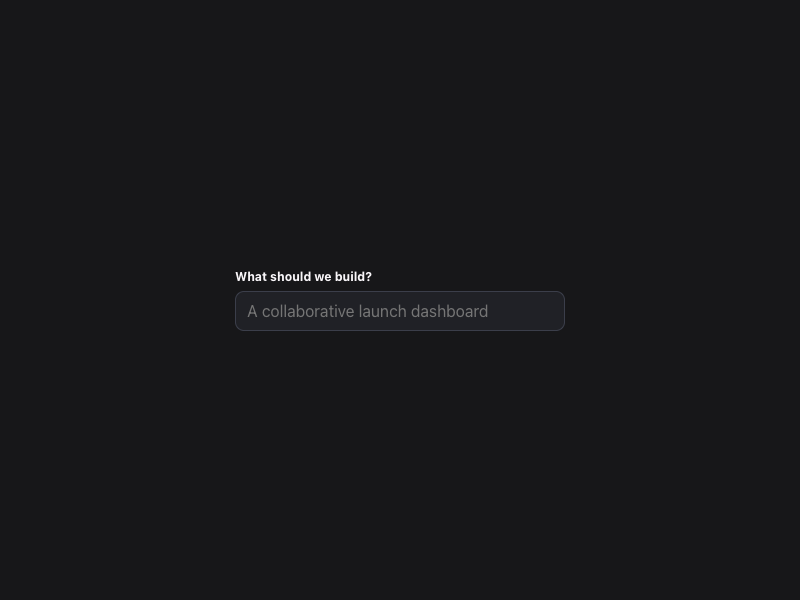
What should we build?
0
108

HTML/CSS · JavaScript

Frontend Forever's avatarFrontend Forever
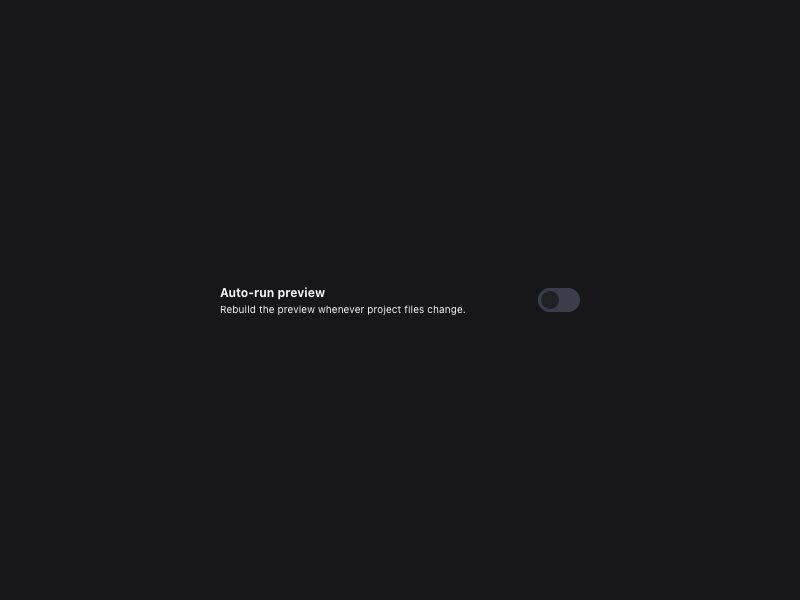
Auto-run preview Rebuild the preview whenever project files change.
0
105

HTML/CSS · JavaScript

Frontend Forever's avatarFrontend Forever
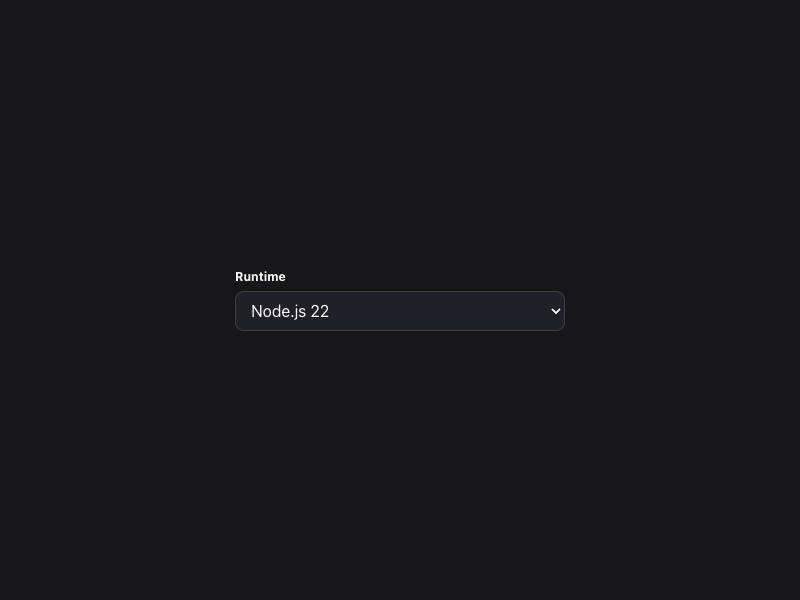
Runtime Node.js 22 Bun 1.2 Static site
0
106

HTML/CSS · JavaScript

Frontend Forever's avatarFrontend Forever
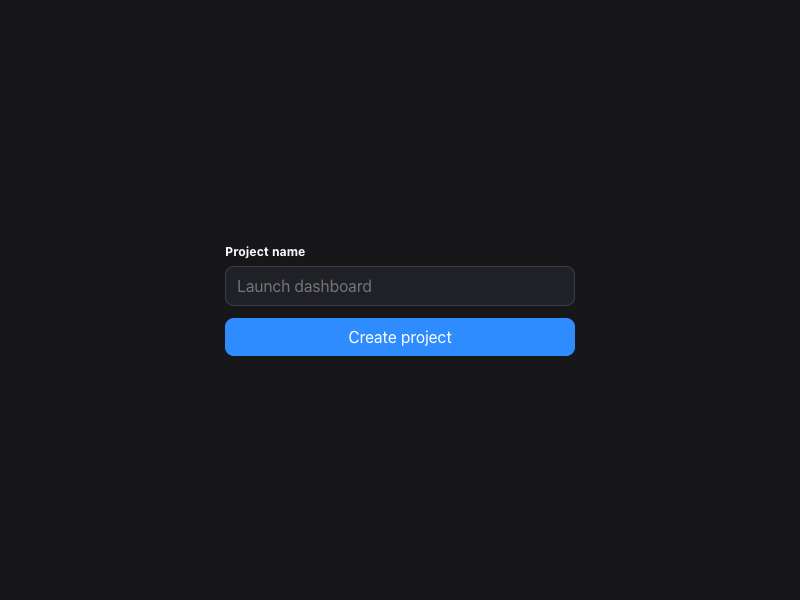
Project name Create project
0
115

HTML/CSS · JavaScript

Frontend Forever's avatarFrontend Forever
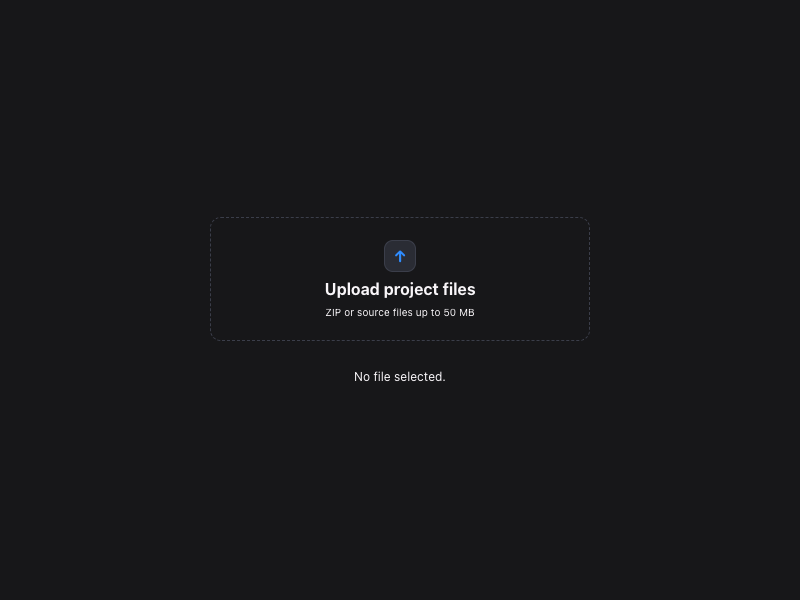
↑ Upload project files ZIP or source files up to 50 MB No file selected.
0
101

HTML/CSS · JavaScript

Frontend Forever's avatarFrontend Forever
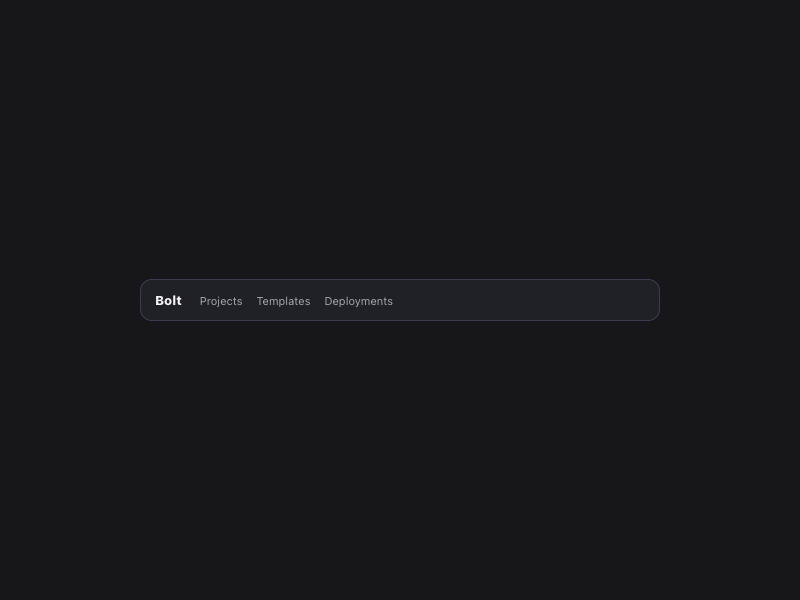
Bolt Projects Templates Deployments
0
81

HTML/CSS · JavaScript

Frontend Forever's avatarFrontend Forever
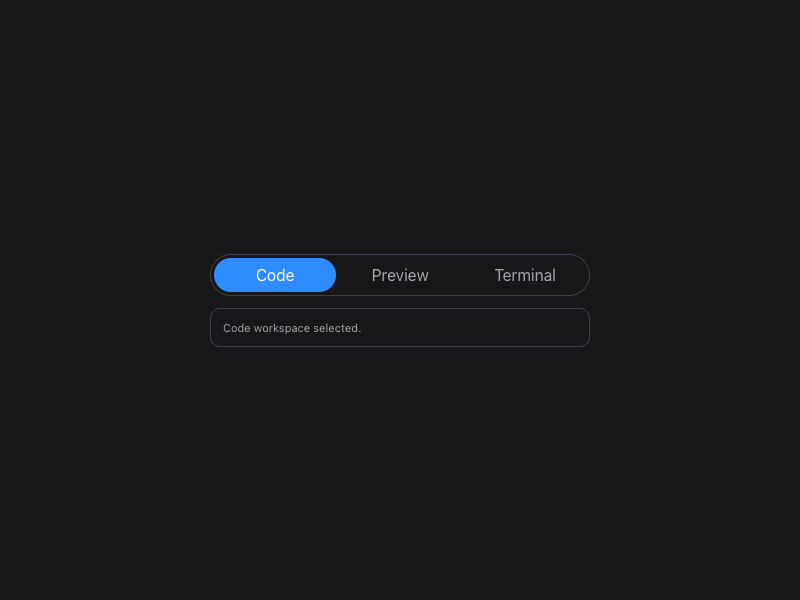
Code Preview Terminal Code workspace selected.
0
88

HTML/CSS · JavaScript

Frontend Forever's avatarFrontend Forever
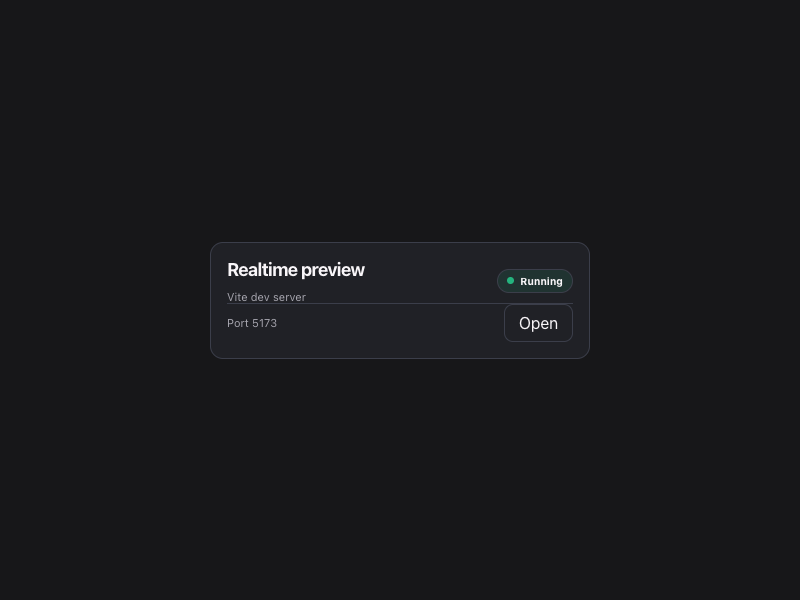
Realtime preview Vite dev server Running Port 5173 Open
0
90

HTML/CSS · JavaScript

Frontend Forever's avatarFrontend Forever
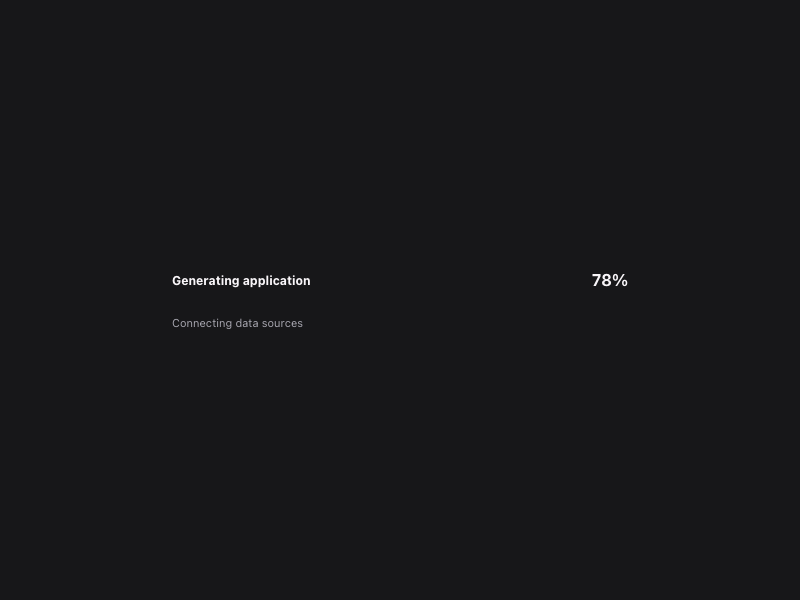
Generating application 78% Connecting data sources
0
112

HTML/CSS · JavaScript

Frontend Forever's avatarFrontend Forever
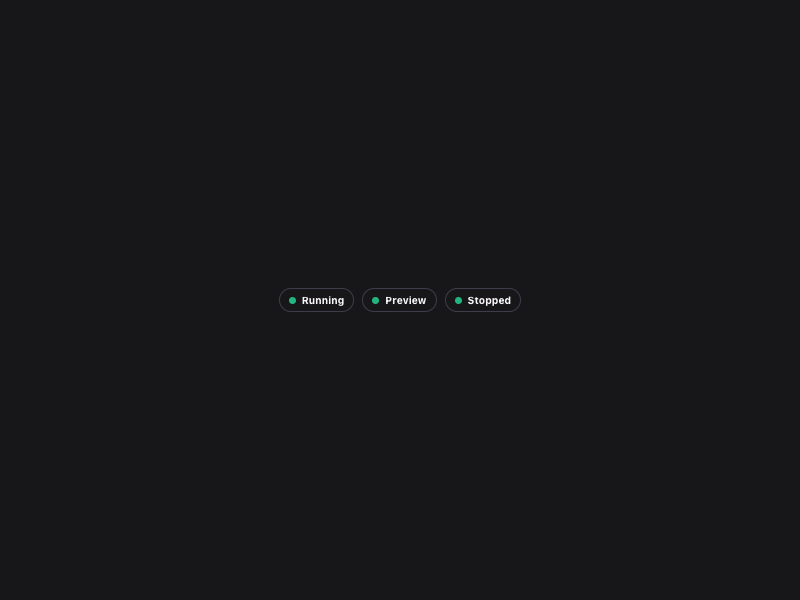
Running Preview Stopped
0
89

HTML/CSS · JavaScript

Frontend Forever's avatarFrontend Forever
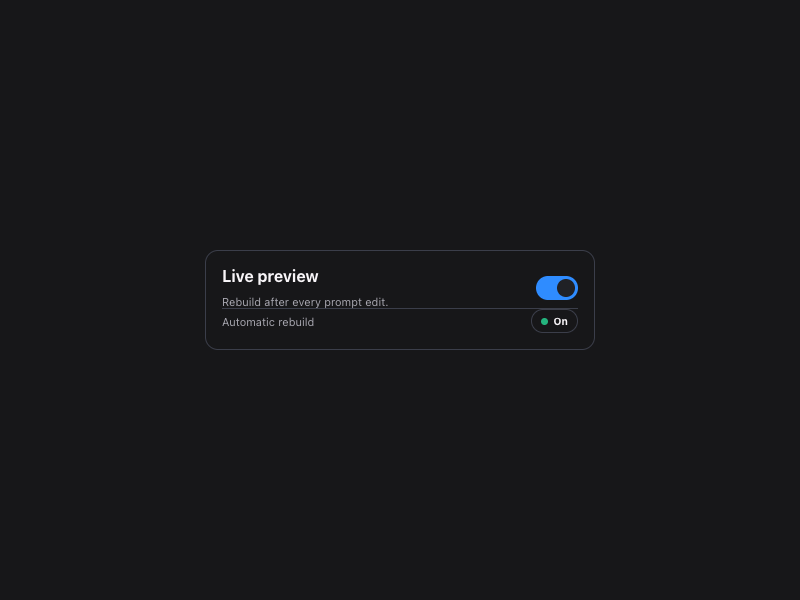
Live preview Rebuild after every prompt edit. Automatic rebuild On
0
116

HTML/CSS · JavaScript

Frontend Forever's avatarFrontend Forever
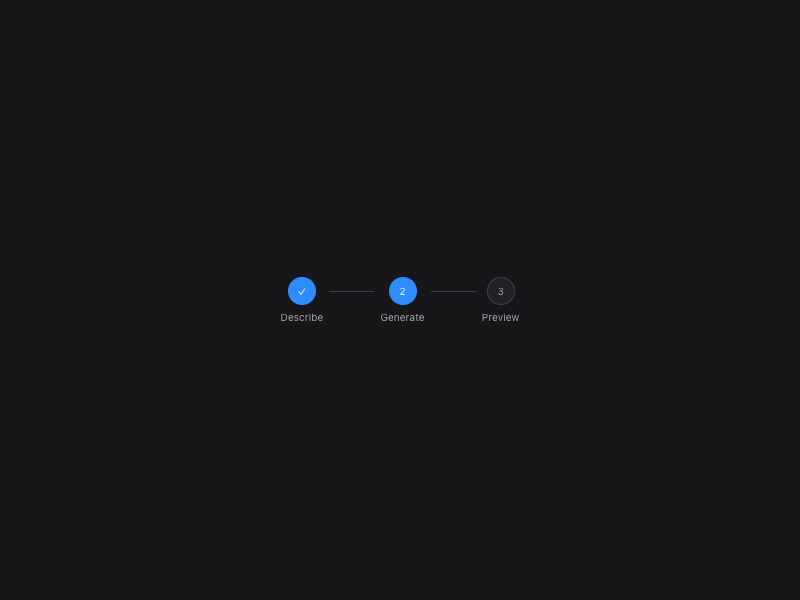
✓ Describe 2 Generate 3 Preview
0
99

HTML/CSS · JavaScript

Frontend Forever's avatarFrontend Forever
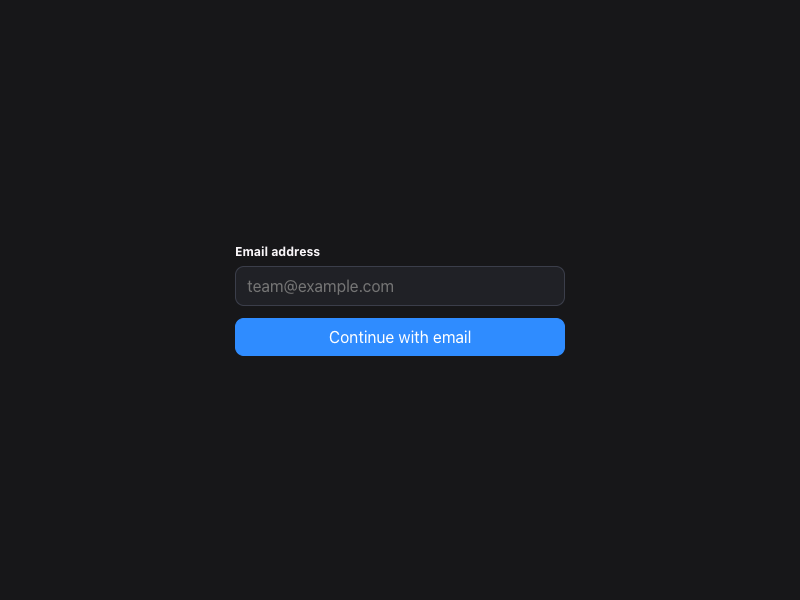
Email address Continue with email
0
116

HTML/CSS · JavaScript

Frontend Forever's avatarFrontend Forever
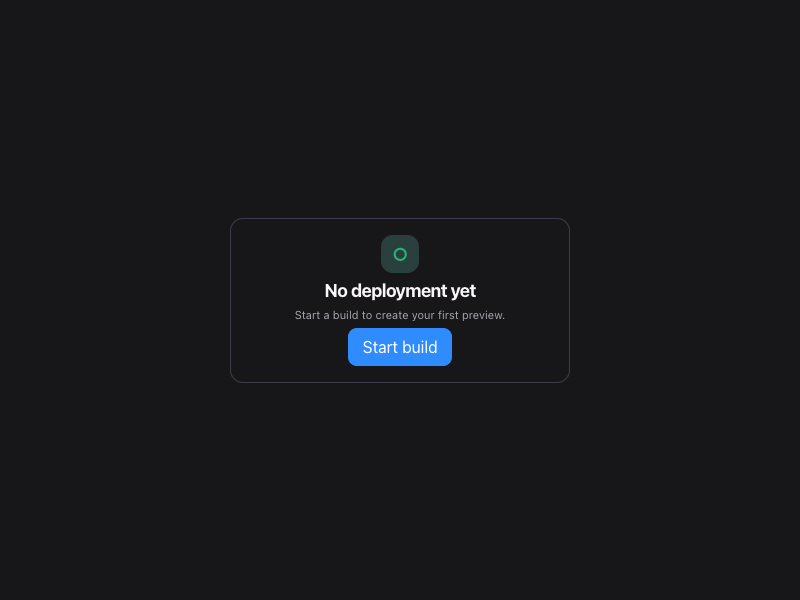
○ No deployment yet Start a build to create your first preview. Start build
0
114

HTML/CSS · JavaScript

Frontend Forever's avatarFrontend Forever
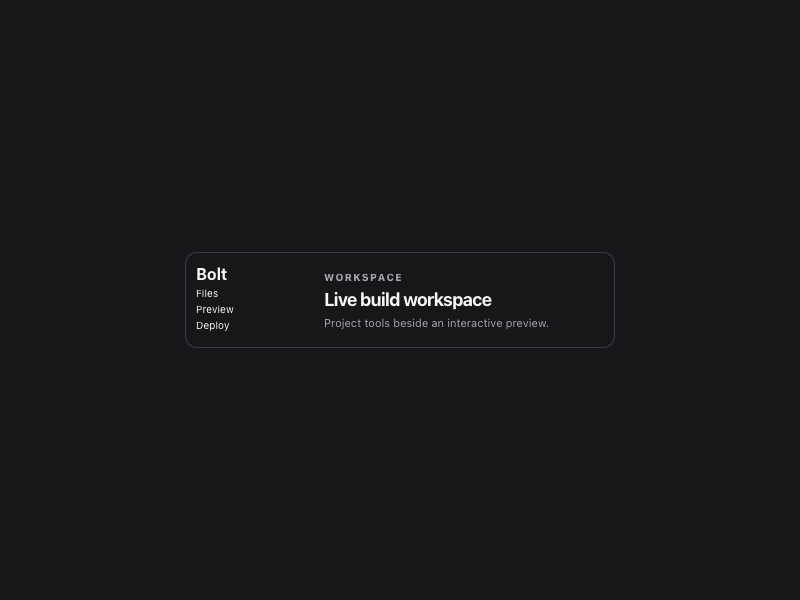
Bolt Files Preview Deploy Workspace Live build workspace Project tools beside an interactive preview.
0
101

HTML/CSS · JavaScript

Frontend Forever's avatarFrontend Forever

More AI Kits

Published AI Kit Protected source files for Starter and Super members