Skip to content
All AI Kits
Design system Pro AI Kit24 components

Airtable-inspired Data Studio

An unofficial, original Airtable-inspired product system built around structured data, apps, agents, and team momentum, responsive proof surfaces, and 24 research-selected elements.

Desktop · 1440 × 7774
Airtable homepage — desktop reference

Foundations

The visual decisions behind the system

A public overview of the typography, palette, icon language, spacing, shape, and motion used throughout this AI Kit.

Style identity

Airtable-inspired Data Studio

An AI workflow and data-storytelling system shaped by Airtable's current enterprise homepage: a clear build-with-AI promise, tabbed capability proof, connected data surfaces, and scalable governance signals.

Structured data made approachable: crisp blue actions, white grid surfaces, dark theme

Visit website

Typography

Font families

ATSeasonSans

Observed Airtable display, navigation, controls, and product UI family

ATSeasonSans, Haas Groot Disp, Haas, -apple-system, system-ui, Segoe UI, Roboto, sans-serif
Weights
400, 500, 550, 650
Sizes
14px utility; 16–20px body; 32px card; 48px section; 64px hero
Line height
1.15–1.5; 64px hero display
Tracking
Approximately -0.02em on display; slight positive tracking on compact buttons

Fallback: Haas Groot Disp, -apple-system, Segoe UI, Arial, sans-serif

Haas Groot Disp

Observed Airtable body fallback and long-form content family

Haas Groot Disp, Haas, -apple-system, system-ui, Segoe UI, Roboto, Helvetica Neue, sans-serif
Weights
400, 500
Sizes
16px body; 20px lead
Line height
1.5
Tracking
Neutral body tracking

Fallback: -apple-system, system-ui, Segoe UI, Arial, sans-serif

Palette

Core colors

Canvas

#f6f7fb

Cool data page field

Ink

#16213b

Primary headings, labels, and table text

Blue action

#3159ef

Build, add field, automation, and focus action

Coral signal

#ef6a4b

AI insight, warning, and secondary emphasis

Surface

#ffffff

Grid, interface, and reporting surface

Raised grid

#edf0f8

Selected row, header, and secondary panel

Divider

#d8deea

Table gridlines and card boundaries

Dark canvas

#0d1120

Explicit dark mode page field

Dark surface

#151b2f

Explicit dark mode grid and panel

Success

#238b68

Synced record, automation, and completed step

Type scale

Responsive hierarchy

RoleSizeWeightLine heightTracking
Utility14px65018px0.01em
Body16px4001.50
Lead20px4001.450
Card title28px5001.1-0.03em
Section title48px5001.15-0.025em
Hero display64px5501-0.02em

Spacing & shape

Layout rhythm

Density
Structured and moderately dense; keep row, field, and automation context close
Base unit
4px
Max width
1180px content rail
Section gap
96px desktop / 70px mobile
Card padding
18–24px
Element gap
8–16px

System metrics

Radius

Action pill 999pxGrid panel 18pxField control 10pxWorkspace mark 8px

Spacing

Base unit 4pxCell gap 8pxPanel padding 18–24pxSection gap 96pxPage gutter 24px mobile / 48px desktop

Motion

Fast 150ms ease-outPanel lift 180ms cubic-bezier(.2,.8,.2,1)Build reveal 500ms for staged AI and automation proofReduced motion Disable transforms and auto-updating chart animation under prefers-reduced-motion

Elevation

Grid panel

0 22px 70px rgba(22,33,59,.11)

Lift an interface or reporting specimen

Field menu

0 16px 38px rgba(22,33,59,.14)

Keep column and automation choices above the grid

Surfaces & shape

Page

#f6f7fb / #0d1120

Light and dark canvas

Grid

#ffffff / #151b2f

Records, interfaces, and reports

Raised

#edf0f8 / #202943

Headers, selected rows, and AI context

Guidelines

Do

  • Make the record, field, view, automation, or insight being acted on explicit.
  • Use table-like alignment and restrained row dividers to create confidence.
  • Keep AI suggestions and human confirmation visibly distinct.
  • Provide selected, focus, validation, and loading states as text plus color.

Don't

  • ×Do not invent a full analytics dashboard for a single reusable element.
  • ×Do not use Airtable logos, customer stories, copied screenshots, or proprietary assets.
  • ×Do not rely on tiny colored chips as the only way to identify a field type.
  • ×Do not let decorative charts outrank the workflow decision.

Imagery

Use original records, field chips, workflow nodes, reports, and abstract data geometry. Do not reuse Airtable logos, customer marks, proprietary screenshots, or production video frames.

Layout

Start with a clear AI workflow hero, then use a proof rail, four capability tabs, case-study cards, and a compact grid/automation stage. Collapse tables to stacked rows while preserving labels below 900px.

Concept

A complete visual language, ready to inspect.

Use the file tree to move between the full reference preview, implementation guidance, portable tokens, and framework-ready styles. Each surface stays focused, so you can understand the system before copying code.

Assigned collection

Airtable-inspired Data Studio Elements

24 published components in collection order

Components

Built from the same system

Production-ready specimens from this AI Kit's approved collection.

Open collection
Create an app ↗ Use a template Start with a blank app or a template.
0
23
Field name Used in 3 views.
0
19
Notify collaborators Send an alert when this base changes. Notifications are on.
0
20
View Grid view Calendar view Kanban view Choose how this table is displayed.
0
33
Workspace name Create workspace
0
25
⌕ ⌘ K Customer pipeline Grid view · 24 records Launch calendar Calendar view · 8 records
0
40
Due date Shown in calendar and timeline views.
0
24
↑ Import table data CSV, TSV, or XLSX up to 25 MB No file selected.
0
23
Airtable Bases Interfaces Automations
0
30
Record actions ⌄ Open record ↗ Duplicate record ⌘ D Delete record ⌫
0
34
Grid Timeline Calendar Grid view selected.
0
18
Product roadmap Updated 8 minutes ago Active 24 records · Grid view Open base
0
24
Record created Trigger Send Slack message Connected Update status Next
0
22
Record Type Status Product roadmap Table Active Launch calendar View Shared
0
18
i Use field names in braces, like {Due date}.
0
19
Importing records 64% 6,420 of 10,000 records
0
34
Priority Design Approved
0
20
Field permissions Control who can edit this field. Lock field configuration On
0
16
✓ Choose source 2 Map fields 3 Import
0
23
Completed records +24%
0
17
MK Record added Marketing launch · 2m ago New JS View shared Product roadmap · 18m ago Shared
0
27
Active bases 18 3 shared Records 24.8K ↗ 12.4% Automations 96.4% successful
0
34
Airtable Bases Views Automations Workspace Content calendar A record grid beside a view rail.
0
20

More like this

Postman-inspired API Orbit

An unofficial, original Postman-inspired interface study with 14 focused specimens supported by the live product and content experience.

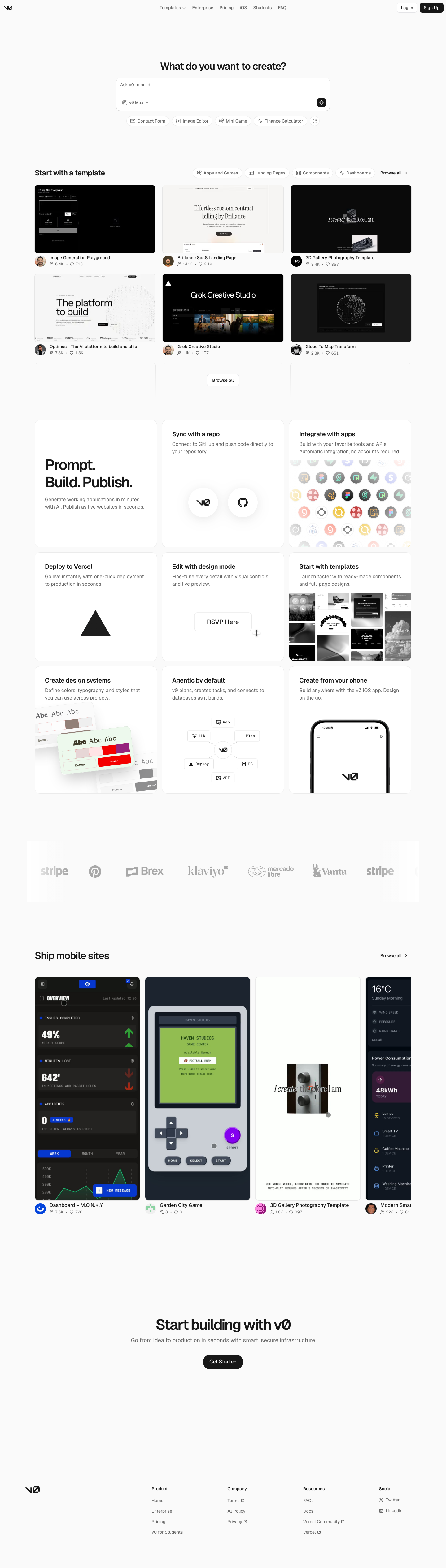
v0-inspired Prompt Workshop

An unofficial, original v0-inspired Prompt Workshop system grounded in 17 retained, evidence-backed interface patterns.

Borderless Ledger — Wise-inspired AI Kit

13 focused, original elements for Borderless Ledger; categories are retained only when supported by the live reference. Published flags remain disabled.

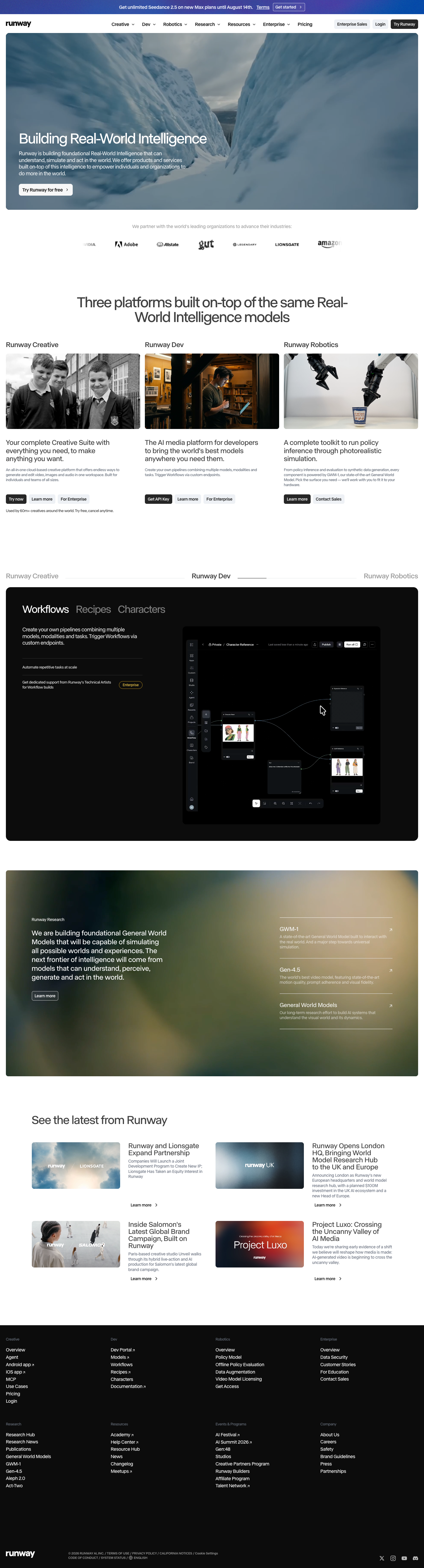
Runway-inspired Real-World Studio

A high-contrast studio language for a platform that moves between creative production, developer workflows, robotics, research, and enterprise. The system uses a dark stage, warm action color, and compact cross-platform wayfinding without copying Runway's wordmark, content, or media. Responsive previews and 8 evidence-backed interface elements.

Observable-inspired Signal Notebook

An original, unofficial Observable-inspired system for reactive notebooks, executable explanations, and data visualization surfaces. It retains only 11 focused elements supported by Observable's live notebook and chart workflows.

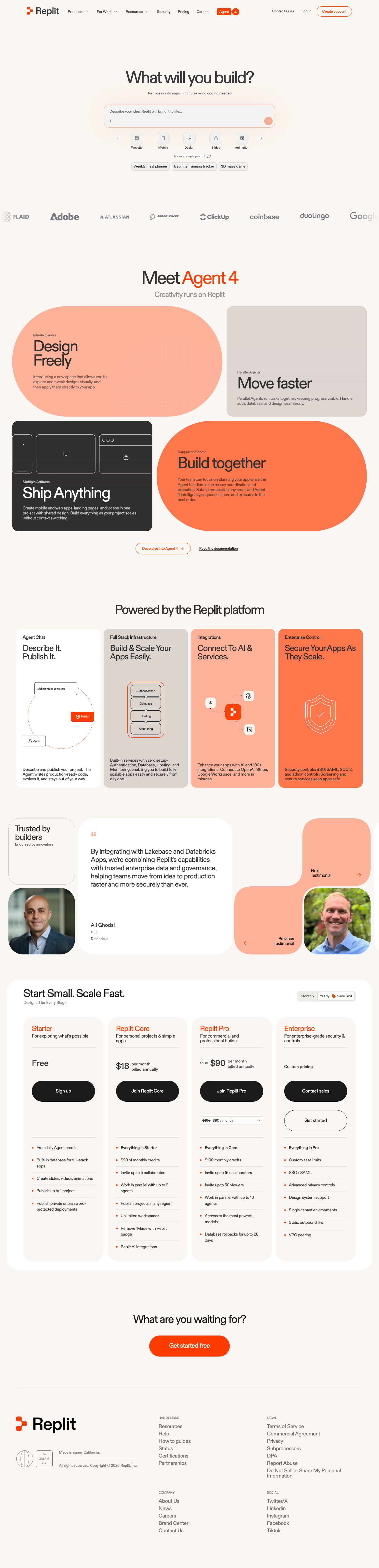
Replit-inspired Build Canvas

A friendly builder language for moving from prompt to app: vivid purple/green accents, a prominent idea field, artifact type selection, parallel execution, built-in infrastructure, team plans, agent chat, and a clear publish handoff. It is an original study without Replit's logo, pixel font, testimonials, screenshots, or protected copy. Responsive previews and 14 evidence-backed interface elements.

Published AI Kit Protected source files for Pro members
Airtable-inspired Data Studio AI Kit - Frontend Forever